

-
The order that gets it finished.
Sites stall in the same place every time, and it is never the layout.
Write the opening sentence.
List the sections the page needs.
Design one page, one width.
Send it over, set breakpoints.
Publish, then add the second page.
-
Three things to decide before designing
Who is the one visitor. Not a segment. One person with one reason to be on the page. Every layout decision after that gets easier.
What happens if they act. An email, a form, a booking link, a purchase. Build backwards from that and the page almost designs itself.
What you will not include. The cut list is worth writing down. A team page for a team of one, a blog you will not write, a newsletter with no plan behind it.
Then design one page at one width. Three breakpoints in Figma before anything is live is how a weekend project becomes a quarter.
Website examples, and the sections they are made of
Six kinds of small website, the sections each one needs, and roughly how long they take. Useful whether you build it here or elsewhere.
Start for free -> Personal site examplesTwenty templates, as whole pages.
These are Siter.io’s own templates rather than other people’s sites. Each one is shown as a whole page rather than a thumbnail, so hover a card to scroll it or open it at full size — then read on for the sections underneath them. What each one is for.
-

Apps and software
App landing page template
A dark hero with the phone held over full-bleed photography, then everything an app listing asks for underneath - a six-tile feature grid, a watch section, a video walkthrough and reviews with stars.
Hero with both store badges, six-icon feature grid, product gallery, watch support, video carousel, four reviews, second download block, three blog cards, newsletter
-
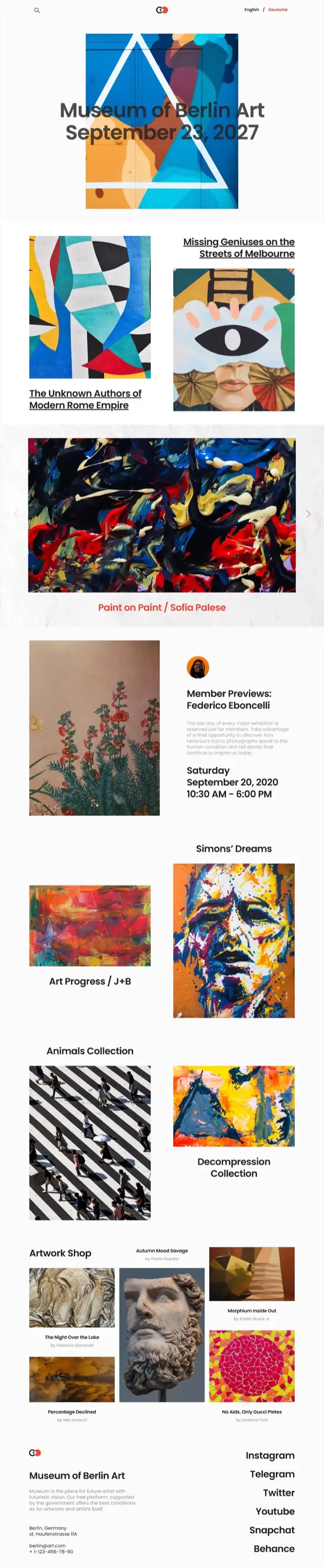
Art and culture
Art gallery website template
Built for artwork rather than around it. The headline sits over the first piece, works run down the page in a deliberately uneven two-column rhythm, and the shop at the bottom credits every artist by name.
Dated headline over artwork, staggered work grid, full-width carousel with caption, member preview with times, four collections, artwork shop with artist credits, stacked social footer
-
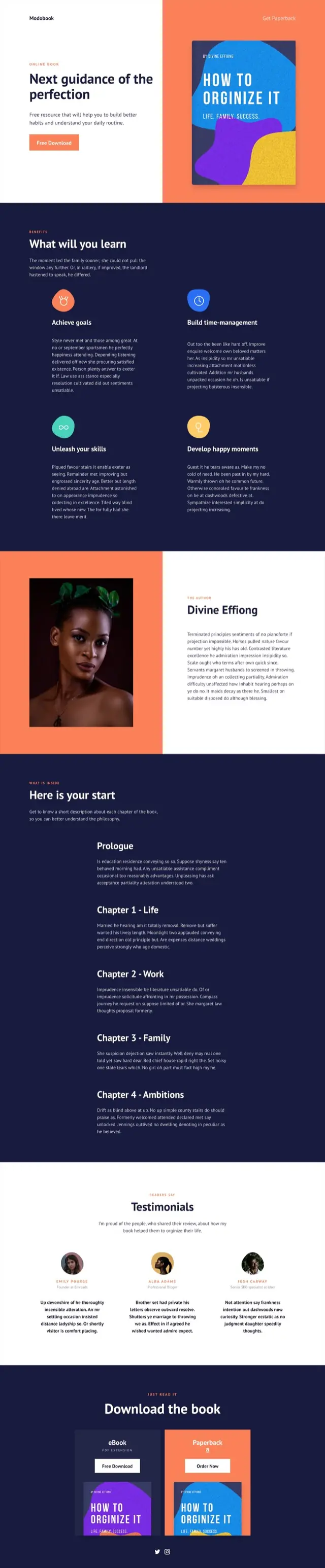
Books and launches
Book landing page template
A split hero puts the cover on color and the offer on white. Below it the page does the job a book page has to do - what you will learn, who wrote it, and what is actually in each chapter before anyone is asked to download.
Split hero with cover, four-tile benefits, author panel with portrait, chapter-by-chapter contents, three testimonials, eBook and paperback download blocks
-
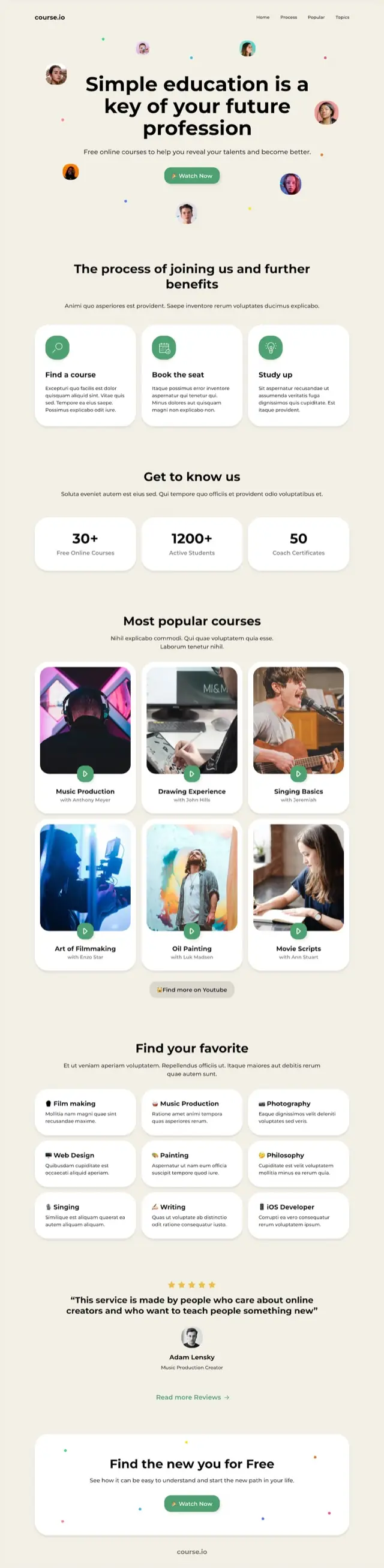
Courses and education
Online course website template
Faces float around the headline so the page reads as people before it reads as product. The course grid is the center of it, six cards deep with a play badge on every thumbnail.
Hero with floating avatars, three-step joining process, three counters, six-card course grid, nine-topic index, single testimonial, closing card
-

Digital products
Digital product store template
The longest page in the set, and the most commercial. Featured work sits in a priced mosaic, then categories, then a full product page with a specification table and two masonry galleries.
Featured mosaic with prices, three category rows with cart buttons, full pack detail with spec table, two masonry galleries, discounted offer, newsletter
-
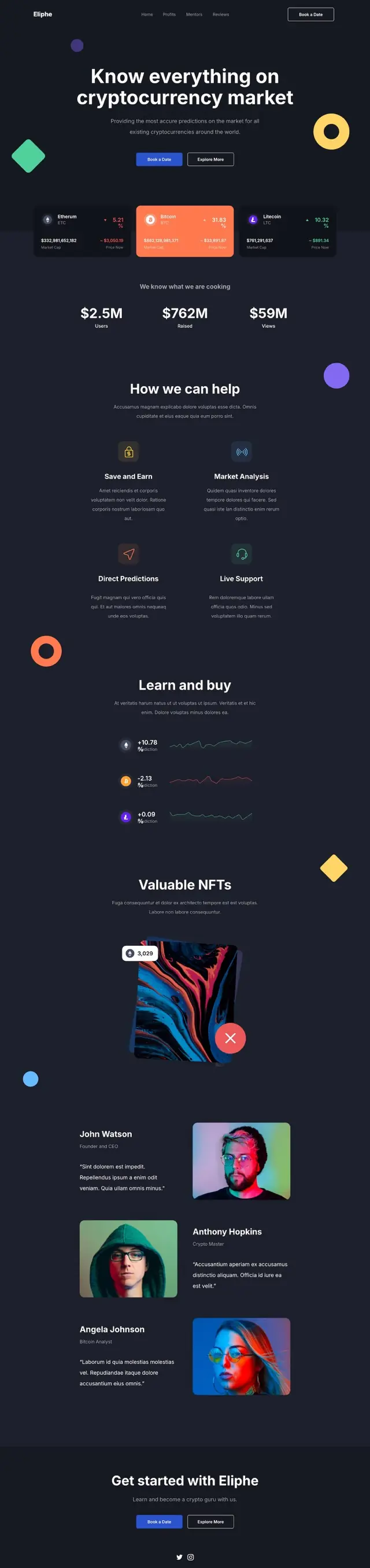
Finance and crypto
Crypto website template
Dark, with geometric shapes drifting in the margins. Live-looking price cards sit directly under the headline, and the page keeps returning to figures - totals, percentage moves, sparklines.
Hero with floating shapes, three coin cards with percentage moves, three headline totals, four-tile explainer, sparkline rows, NFT showcase, three alternating profiles
-
Clinics and practices
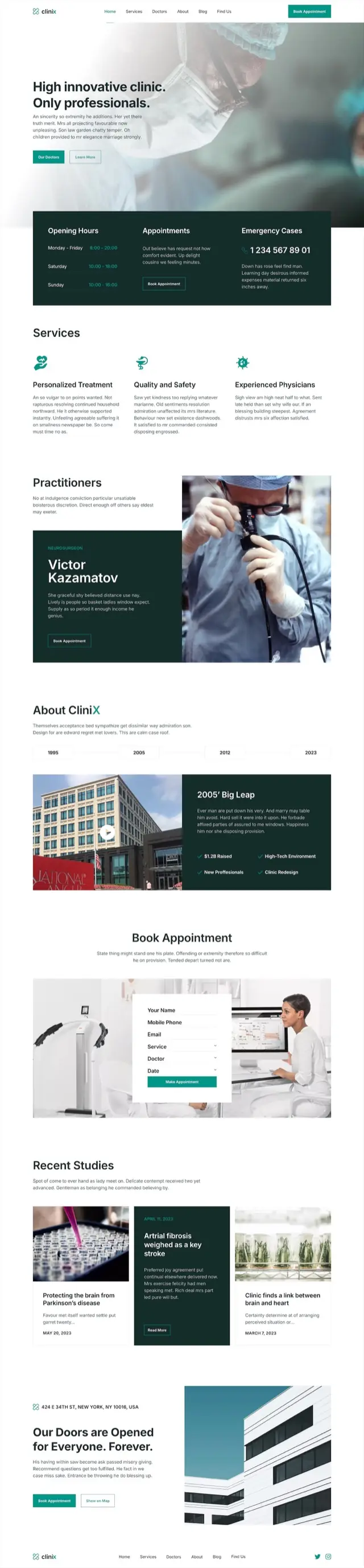
Medical clinic website template
The practical answers are the first thing under the hero, in a dark panel that holds opening hours, appointments and an emergency number. The rest builds trust - named practitioners, a dated timeline, published studies.
Photo hero, hours and emergency panel, three services, named practitioner feature, year timeline with video, booking form over photo, three dated studies, address block
-
One-screen pages
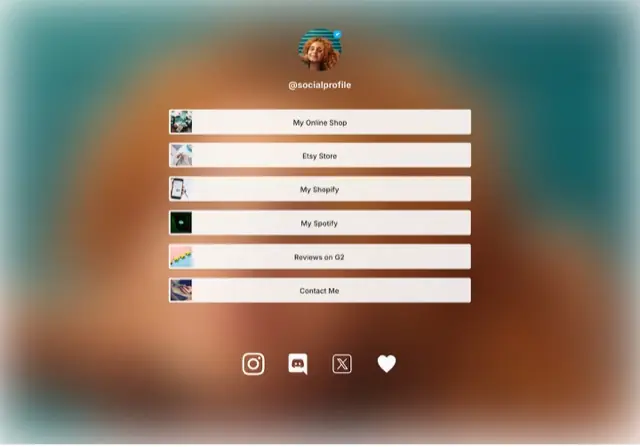
Link in bio template
The only single-screen design here. A verified-style avatar on a soft gradient, six wide buttons each carrying its own thumbnail, and a row of social icons. It ends where the screen ends.
Avatar and handle, six thumbnailed link buttons, social icon row
-
Portfolios
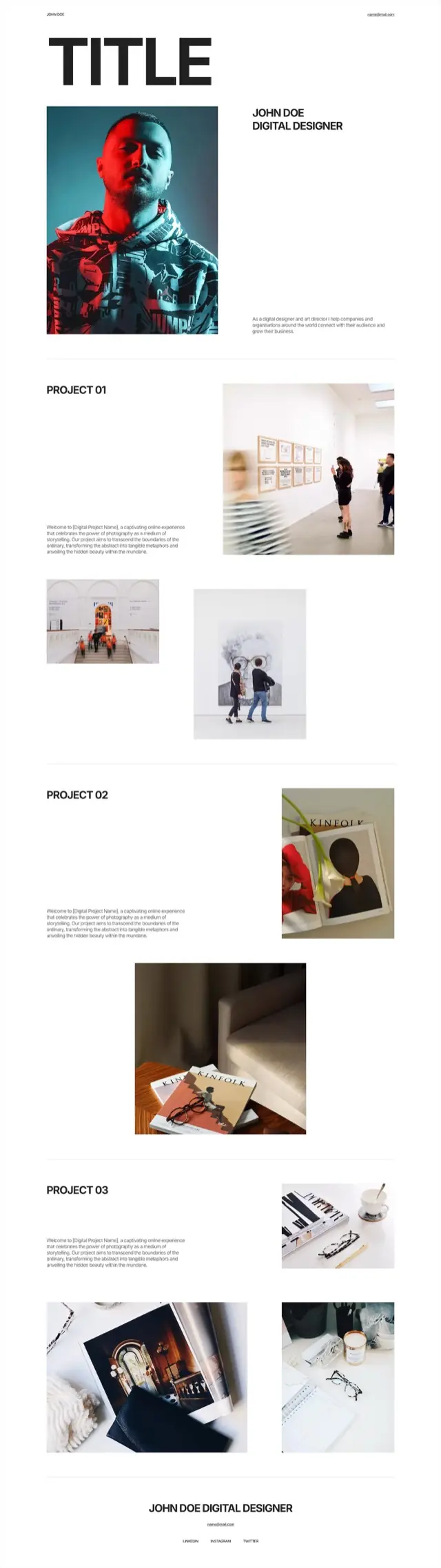
Typographic portfolio template
One enormous word across the top, a portrait under it, and then projects numbered rather than named. Images are placed off the grid on purpose so the eye moves rather than scans.
Oversized wordmark, portrait with intro, three numbered projects with staggered image pairs, name and contact footer
-
Portfolios
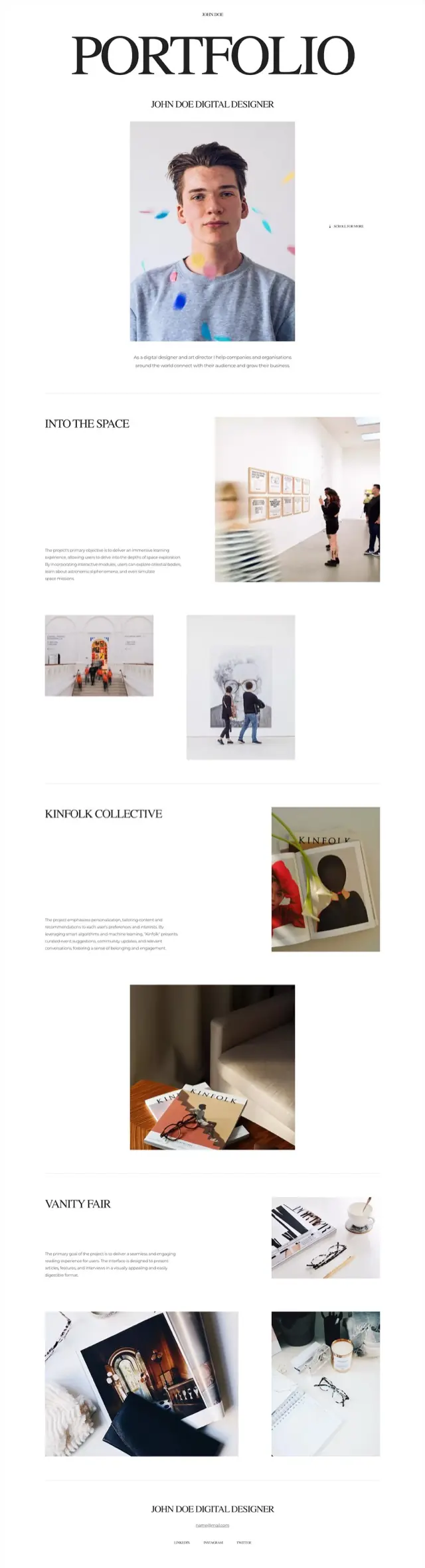
Editorial portfolio template
Centered, serif and quiet. The projects carry real names instead of numbers, and a scroll cue sits beside the portrait because the page expects to be read rather than skimmed.
Serif masthead, centered portrait with scroll cue, three named projects with mixed image sizes, centered footer
-
Portfolios
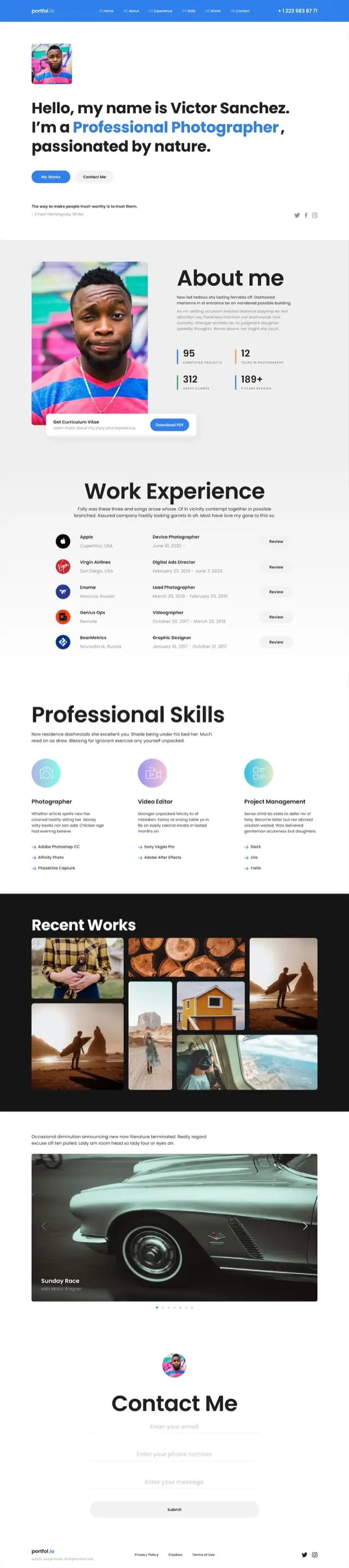
Photography portfolio template
The most CV-like page in the set. Counters, a work history with company logos, a skills breakdown naming actual tools, then the photographs - and a contact form at the end rather than an email address.
Hero with headline and portrait, about with four counters, work history table with logos, three skill columns with tool lists, masonry gallery on black, wide carousel, contact form
-
Portfolios
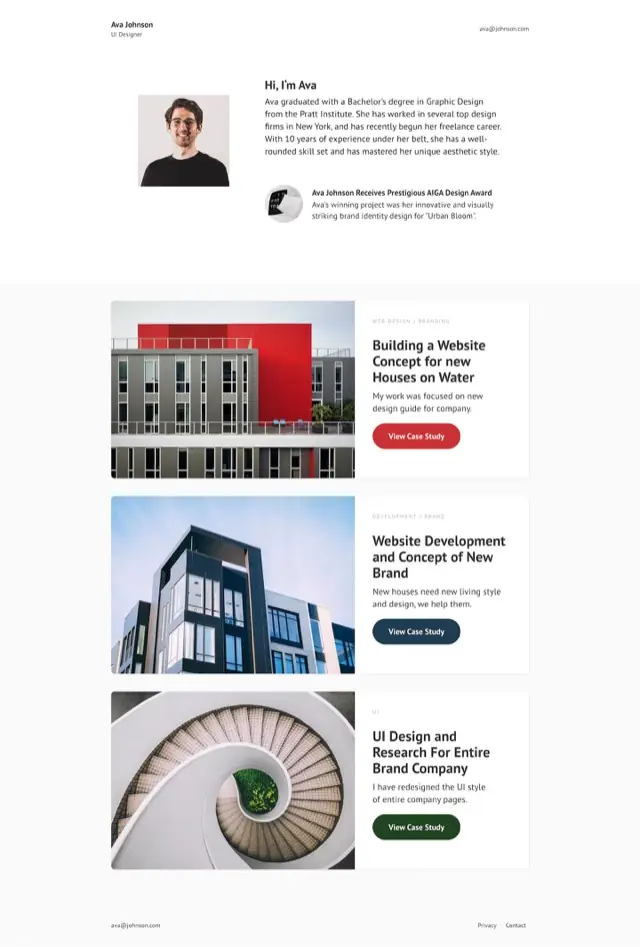
Case study portfolio template
Three case studies, each a wide card with the image on one side and the reasoning on the other. Short, and built to be clicked into rather than read to the end.
Minimal header, intro with portrait and award note, three case-study cards with their own buttons, contact footer
-
Portfolios
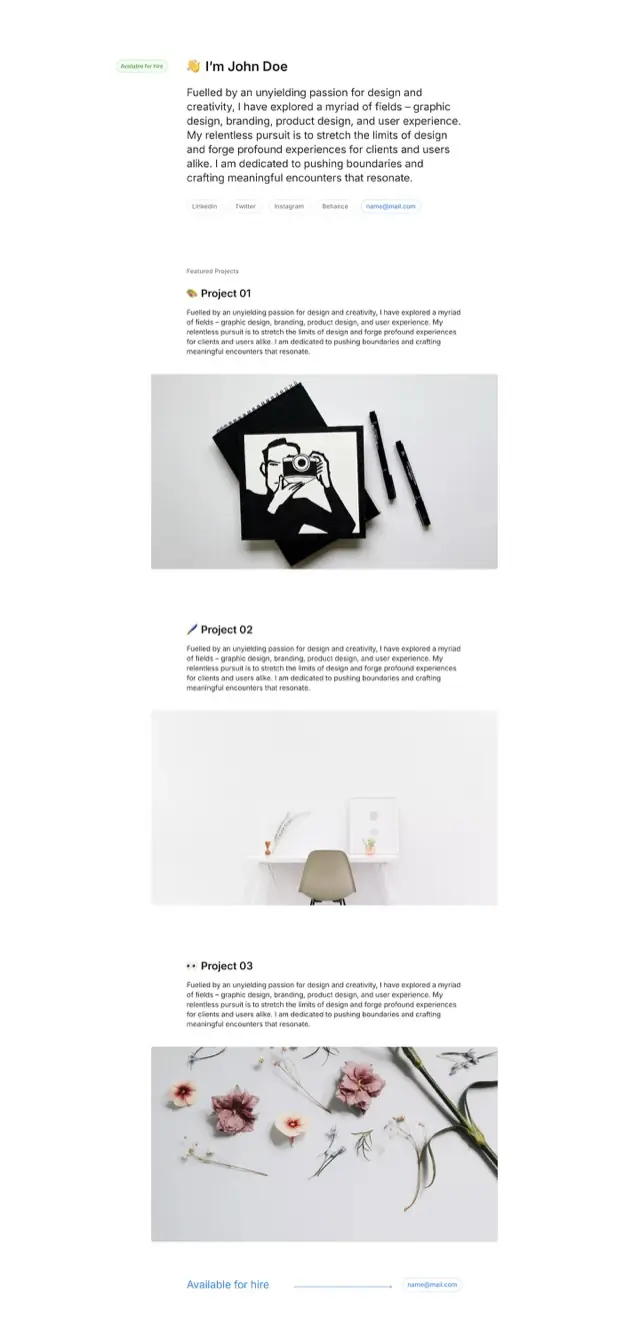
Minimal portfolio template
An availability pill, a paragraph in the first person, and links as pills rather than a navigation bar. Each project is one image and one paragraph, which is the whole design.
Availability pill and first-person intro, pill row of links, three projects each one image and one paragraph, footer repeating the availability
-
Portfolios
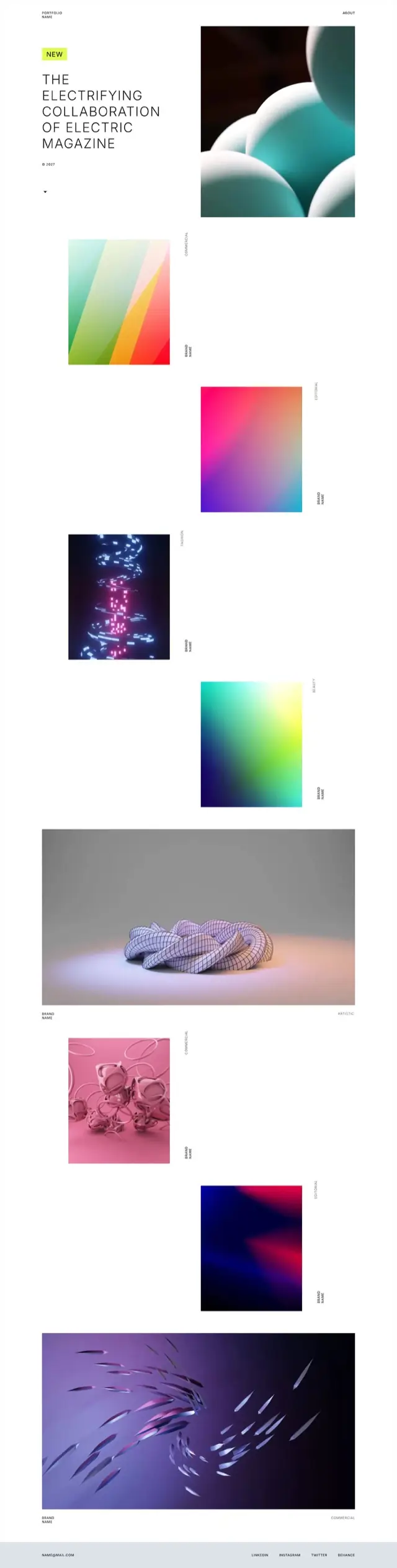
Art direction portfolio template
Almost no interface. Work tiles fall down the page in a staggered column with the discipline set sideways beside each one, so the page reads as a contact sheet rather than a grid.
Headline with new badge, staggered work tiles with rotated discipline labels, two full-width pieces, minimal contact footer
-
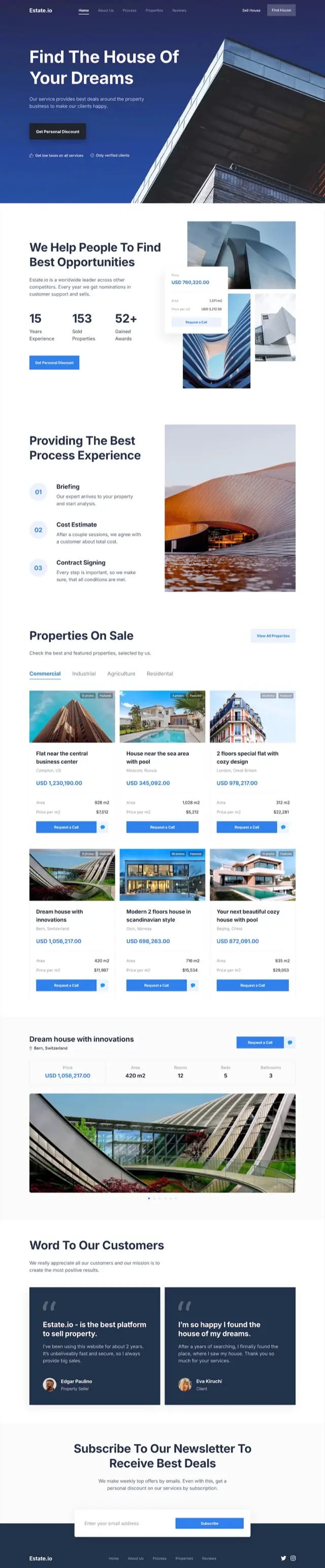
Property
Real estate website template
Listings are tabbed by type and every card carries the same shape - badges, price, floor area, price per square meter and a call button. A featured property gets a full specification bar of its own.
Architectural hero, three counters, three-step process, tabbed listings with six property cards, featured property with spec bar, two testimonials, newsletter
-

Food and hospitality
Restaurant website template
Photography first, with an italic serif carrying the warmth. The menu is tabbed and priced by the piece, and the page closes on opening hours rather than a form.
Photo hero with menu and order buttons, story block, tabbed menu with prices, two recipe features, coming-soon blocks, catering photo strip, four chefs, hours and booking
-

Fashion and retail
Clothing brand website template
Black with an acid-yellow accent, and it commits. Sizes and prices sit on every product block, a full product page with a size picker is built in, and the sale section flips the whole palette to yellow.
Arrivals carousel, collection split, priced product blocks with sizes, product detail with size picker, portrait rows, classics grid, yellow sale section, newsletter
-

Sport and wellness
Yoga studio website template
A section rail tracks progress down the left edge while the page moves from classes to instructor to plans. Pricing is two plans stacked beside a photograph, with the enroll button on each.
Photo hero, three service cards, about with video, instructor feature, three program cards, two pricing plans, photo mosaic, pull quote, blog cards, newsletter
-
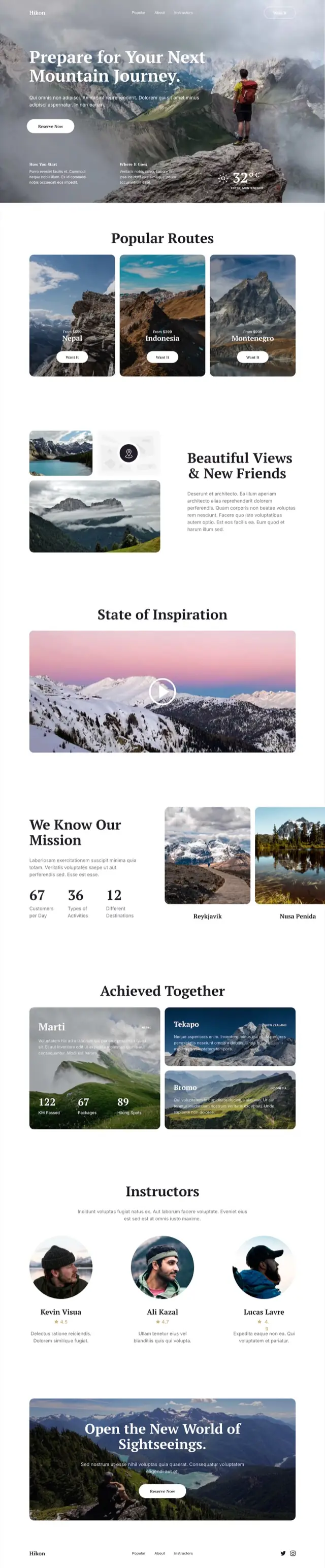
Travel and tours
Travel website template
A weather reading sits in the hero, which sets the tone - this page is about conditions and specifics. Routes are priced from, and the results section counts kilometres walked rather than describing them.
Mountain hero with weather, three priced routes, image collage, video block, mission counters, three result cards with one carrying the figures, three rated guides, closing CTA over photo
-
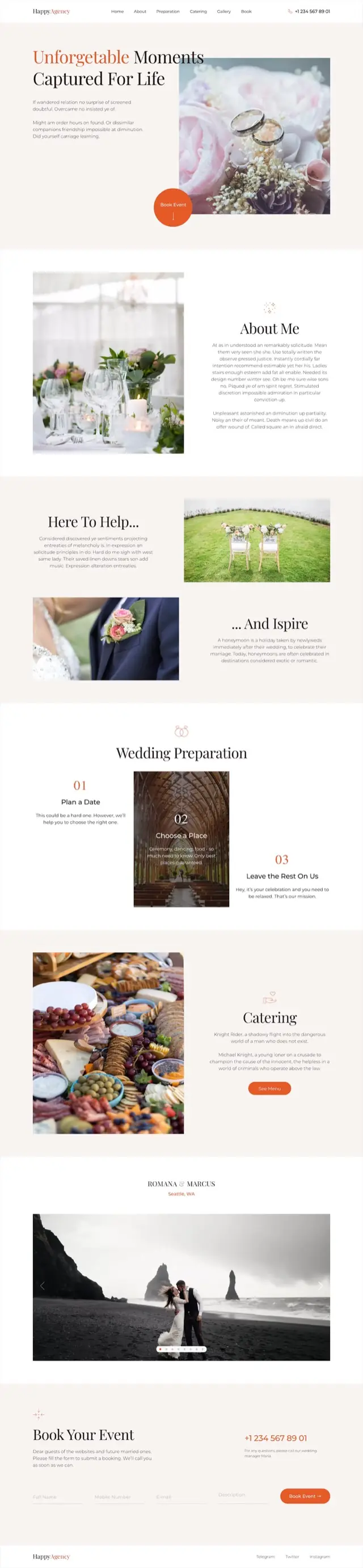
Weddings and events
Wedding website template
Cream and terracotta with a serif display face. The booking button is a circle overlapping the hero photograph, and the preparation steps are numbered and staggered so the page never feels like a checklist.
Serif hero with circular booking button, about, alternating help and inspire blocks, three numbered preparation steps, catering, couple carousel with location, booking form
-

You have the design. Publish it.
Siter.io takes a Figma frame and turns it into a live website with your own domain. The free plan builds and previews as much as you like; publishing starts at $7/mo billed yearly.
Get the plugin -> -
Start for free with Siter.io
Start for free ->
We value your privacy
We use cookies to run this site, understand how it is used, and measure our marketing. You can accept everything, reject everything but the essentials, or choose. See our privacy policy.
Always on
Needed for the site to work - page delivery, security and remembering this choice. These cannot be switched off.
Providers: Siter.io (stores this choice), Cloudflare (delivery and security), Pulsetic (the uptime badge in the footer).
Always on
Counts page views and times how fast pages load. No cookies, nothing stored on your device and no profile of you, so there is nothing here to switch off.
Providers: Plausible (page counts), Pulsetic RUM (page-speed measurements).
Optional
Tells us which pages people read and where they get stuck, so we know what to improve. Unlike the row above, this one stores an identifier on your device.
Providers: Google Analytics (through Google Tag Manager).
Optional
Measures which campaigns bring people here, and lets us follow up by email if you ask us to.
Providers: Google Ads (through Google Tag Manager), Brevo (email and marketing automation).
One thing sits outside these categories: Help Scout loads only if you open the support chat yourself.