Skip to content
siter.io home

AI website builder
for humans.

Siter.io is a visual website editor. Place anything anywhere on a free-form canvas, or describe a page and Siter AI builds it there, editable. Give each screen its own layout and publish to your own domain, with forms, file hosting and analytics built in.

Siter AI is off. You place every element yourself.Siter AI is on. Describe a change and it lands on the canvas as elements you can edit.

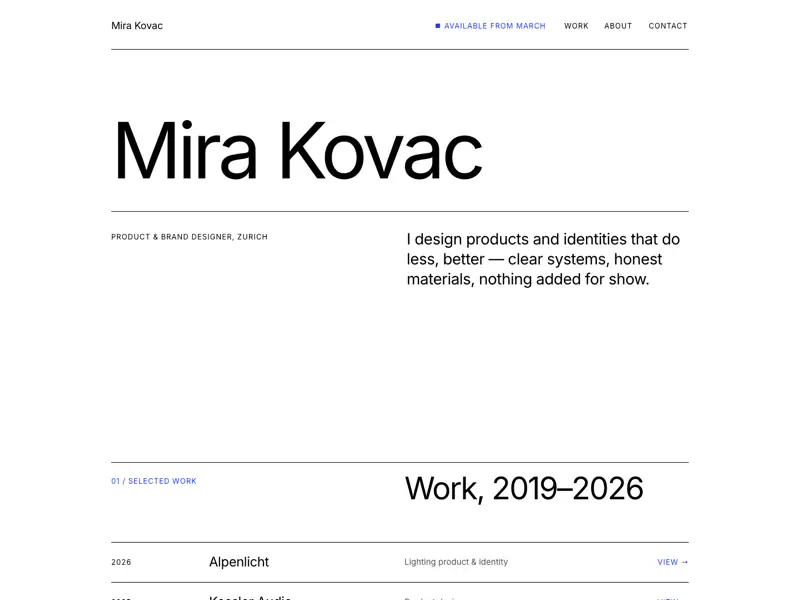
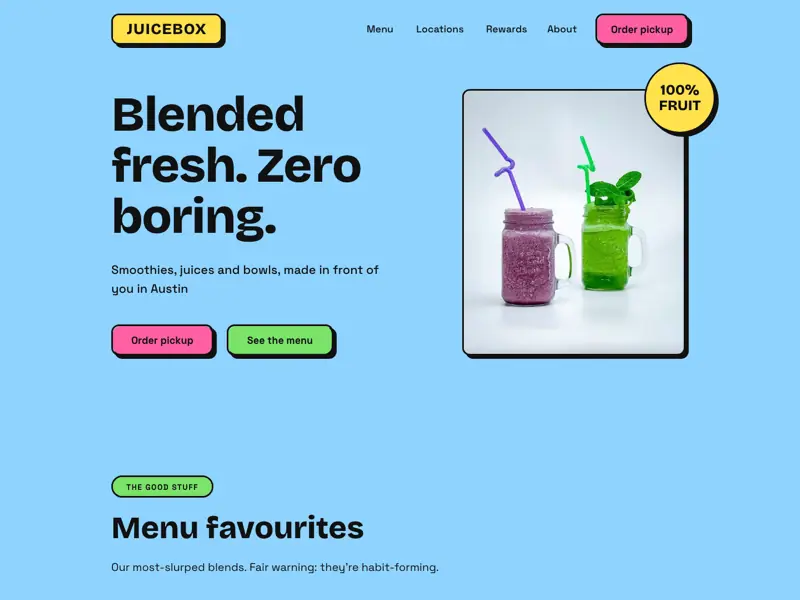
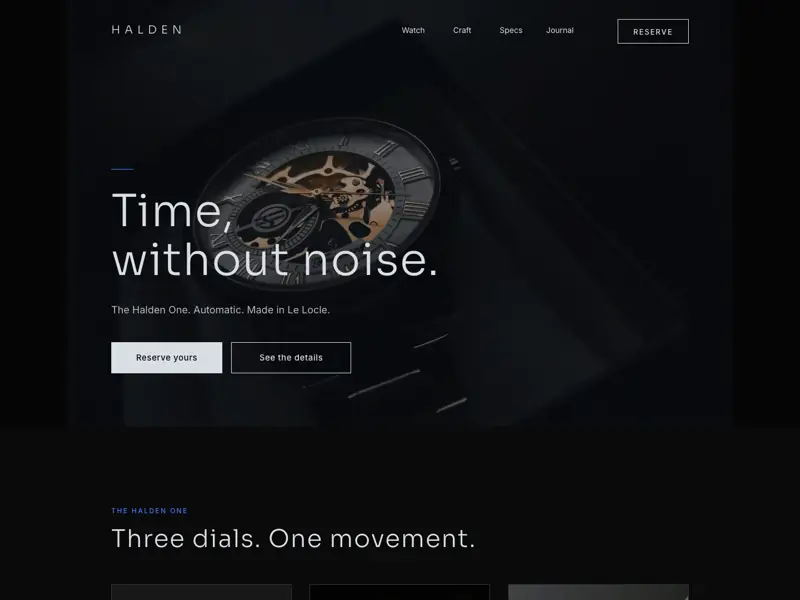
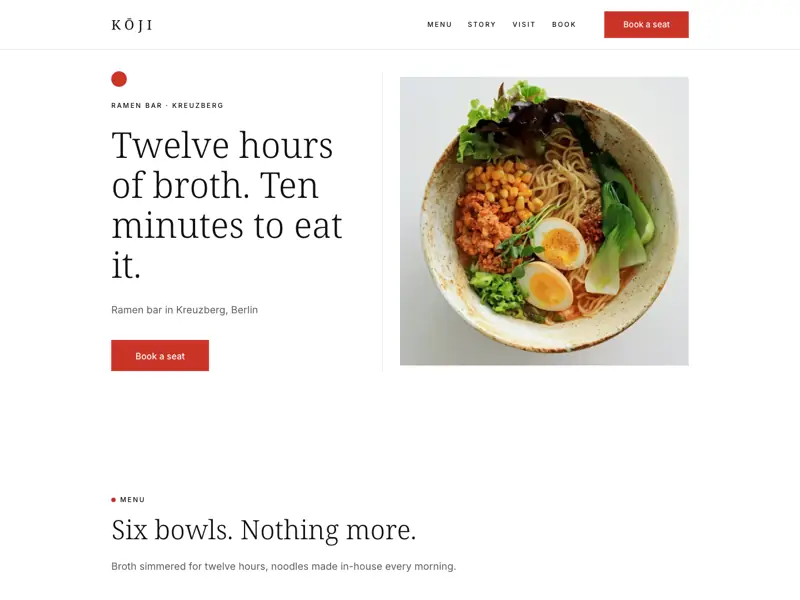
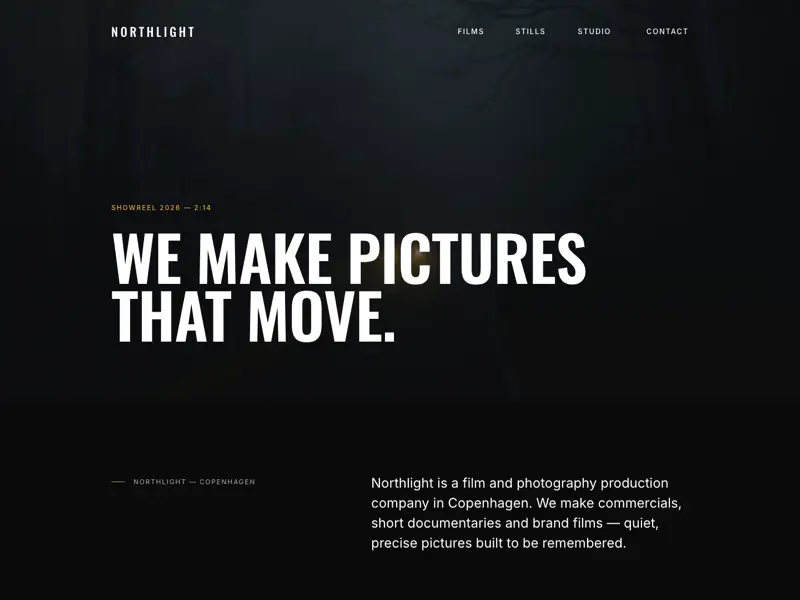
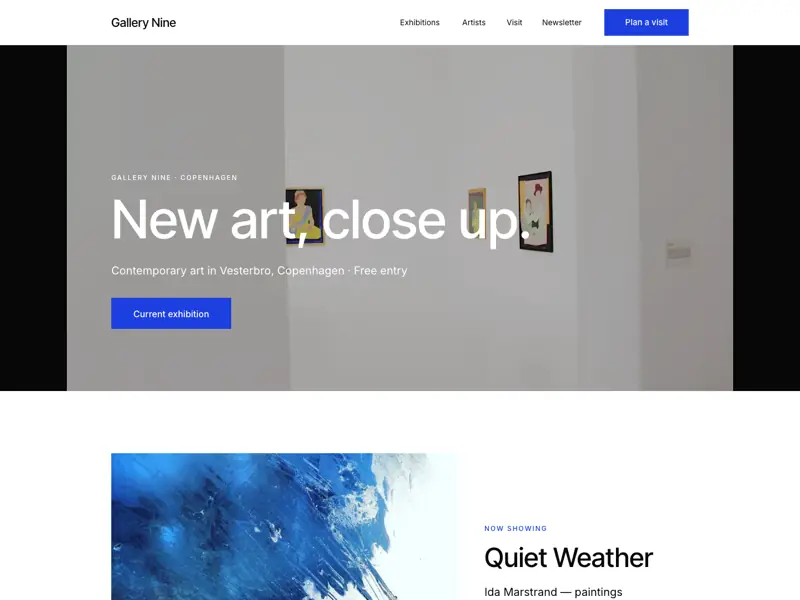
A working recreation of the Siter.io editor. The canvas holds a fictional studio's home page, Atelier Nord, with its headline selected and the Settings panel beside it. Select elements on the page, change a fill color, deselect with the canvas button or Escape to reach the Desktop, Tablet and Mobile breakpoints, and publish the page.
Text

A working demo. Select anything on the page, try a fill color, or click the gray canvas for breakpoints.Tap a breakpoint, or Publish.

Design like you do in a design tool.

A web design tool with a free-form canvas instead of stacked blocks. Lay out a portfolio, a studio site or a client’s landing page, put anything anywhere, then refine it with the controls designers already know.

  1. Smart guides and snapping

    Drag an element and guides appear as it lines up with what is around it, then it snaps into place. Hold Alt to measure the distance to its neighbors, and switch on the layout grid when you want one to work against.

    • Smart guides
    • Alt to measure
    • Layout grid
  2. Components and auto layout

    Choose Create component from the right-click menu, place instances across the page, and edit the master component to update every one of them. The Components tab keeps them together, and groups and frames take auto layout, with gap, padding and alignment.

    • Create component
    • Go to master component
    • Auto layout
  3. Hover states

    Select a button and press + next to States to add Hover. Then design how it looks under the pointer, right on the canvas, and the published page uses that look whenever a visitor hovers over it. Default stays as you drew it.

    • States
    • Default and Hover
    • On the published page
  4. Animations

    Choose Appear or Loop, then a Preset such as Slide in bottom, or set your own keyframes. Start it On Appear, On Scroll or Layer In View, pick one of seven easings, set the speed and a delay, then press play to preview it on the canvas.

    • Custom keyframes
    • 7 easings
    • Delay and replay
  5. Overlays and click actions

    Set a button’s Click Action to Open overlay and a popup opens in one of seven positions, over an overlay background, and can close when a visitor clicks outside it. A click can also go to a page, an external URL or a file, scroll to an element, start an email or a phone call, or close overlays.

    • Open overlay
    • Close when clicking outside
    • Scroll to Element

And the details

  • MasksClip an image to a shape
  • Blur and backdrop blurSoften an element or what is behind it
  • GradientsFills with gradient handles
  • Color stylesSaved per website, searchable
  • EyedropperPick a color by pointing at it
  • Custom fontsUpload WOFF, WOFF2, TTF or OTF
  • Google FontsThe library, searchable in the editor
  • Layout gridShow it from the right panel
  • Fixed positionStays put while the page scrolls
  • Section anchorsLinks read #contact, not an ID
  • Image editorCrop, Adjust, then Save as copy
  • AccordionFAQ items that open in place
See every feature

Design it yourself, or describe it.

Describe the page you want and Siter AI designs it on the same canvas you work on, for desktop, tablet and phone. Nothing it makes is locked: every section, text and button is an element you can move, restyle or ask it to change.

  • A whole page, or one part of it

    Ask for a page, a new section or better copy. To change just some of it, use Select on the page first, and Siter AI works on those elements only.

  • See what changed

    Each turn ends with a Changes list of what was added, changed and removed, and a Worth a look before you publish check, for things like low contrast or small text on phones, with Fix these.

  • Undo it, or turn it off

    A version is saved before every AI edit, so Undo these changes puts the page back. Turn off Siter AI for my account, in your Privacy settings, hides it everywhere.

Start a website from a description

Choose Build with AI when you create a website or a page. Describe it, pick the look and feel, the sections and the language of the text, and add your logo. Siter.io reads its colors in your browser, with no credits used, and can show the logo in your header.

Rewrite text where it sits

While you edit a text, select some and press Cmd/Ctrl+J to improve it, shorten it, change its tone or translate it into one of 32 languages. Then Replace it, Insert the new version or Try again.

Generate the image you need

In the Images window, describe a picture, choose a style and a shape, and press Generate. The image joins your library with an AI badge, and the file itself is marked as made by AI.

Credits, in plain numbers

Siter AI runs on credits. A request uses what its work takes, so there is no fixed price per action.

  • Free:100 creditsonce, to try it
  • Solo:600 creditsa month
  • Plus:800 creditsa month
  • Pro:2,000 creditsa month
  • Unused plan credits stay usable one more month.
  • Paid plans can add credit packs, which last 12 months.
  • A run that fails costs nothing.
  • With no credits left, the chat still answers questions.

Every screen gets its own layout.

Siter.io is a responsive website builder where desktop, tablet and mobile are separate layouts of the same page. Move, resize and restyle each one, and add your own widths, like 1440, when you need them.

Breakpoints
Check to extend the layout on screens larger than your breakpoints, ensuring a better fit. Uncheck to keep the original layout size on current screen.
  • Add custom, under the +, adds a screen at a width you choose. Try it here to add Large at 1440.
  • Scale On Large Screens is set per screen. On, the layout stretches to fill a wider window. Off, it keeps its designed size.
  • Desktop at 1200 px, plus any custom width you add.

  • Each element keeps its own position, size and style per screen.

  • Anything you add on Desktop gets a place on Tablet and Mobile straight away.

How responsive design works in Siter.io

Everything a site needs after you hit Publish.

Hosting, HTTPS and SEO settings come with every plan, Free included. Your own domain, file hosting and a team come with every paid plan.

Publish to your own domain

Publish to a getsiter.com address on every plan, Free included, or to your own domain on any paid plan. HTTPS is included on your custom domain, issued automatically. New and copied pages stay drafts until you publish them.

Forms that land in an inbox

Add fields from Email and Phone number to Date, which opens the browser’s own date picker. Every entry is kept with search, date ranges and CSV export, plus email notifications, reCAPTCHA v3 spam protection and a Zapier trigger.

Host files and link to them

Upload 29 file types, from PDFs to video, and link them from any button, image or text, on every paid plan. Storage grows with the plan (see the plans).

Also built in

SEO settings for every page

Give each page a name for your lists and its own title, description, link and preview image. Your sitemap.xml and robots.txt are generated automatically.

Restore a version, or a deleted page

Every page keeps versions going back 30 days, and deleted pages and websites wait 14 days in Recently deleted.

Download HTML, on the Pro plan

Download any page as HTML in a ZIP to host it elsewhere, one page at a time.

Custom code

Add head code to the whole site or to a single page, and place a Code element on the canvas.

Integrations

Connect analytics, spam protection, automation, video, stock photos and fonts from Settings, the Integrations tab and the editor.

  • Google Analytics
  • Facebook Pixel
  • Zapier
  • reCAPTCHA v3
  • YouTube
  • Vimeo
  • Unsplash
  • Google Fonts

See what’s working. No cookies needed.

Siter Analytics is built into every paid plan. It counts visits without cookies or personal data and leaves out bots, so analytics on its own doesn’t need a consent banner.

Sample data for a fictional studio site, Northfold Studio.

Analytics

12 visitors now

Unique visitors per day

Top pages

PageVisitors

  1. /5,184
  2. /work2,871
  3. /work/tidewater-rebrand1,642
  4. /studio1,096
  5. /contact742

Sources

SourceVisitors

  1. Google3,204
  2. Direct2,361
  3. Dribbble1,187
  4. Newsletter742
  5. Instagram618

Countries

CountryVisitors

  1. United States2,712
  2. United Kingdom1,247
  3. Germany1,068
  4. Netherlands731
  5. France544

IP geolocation by DB-IP

Devices

BrowserVisitors

  1. Chrome4,288
  2. Safari3,040
  3. Firefox712
  4. Edge581
  5. Opera168

Goals

Form conversions

FormConversionsRate

  1. Contact form1962.2%
  2. Newsletter1511.7%
  3. Project brief840.9%
  4. Workshop booking410.5%
  5. Job application170.2%

No cookies and no personal data, so no cookie banner needed.

Designed it in Figma already? Bring it in.

Go from Figma to a website. The Siter.io plugin for Figma imports your frames into a Siter.io page on every plan, including Free. Then keep designing and set breakpoints in Siter.io, and publish at name.getsiter.com, or on your own domain with a paid plan.

The import is one-way: it doesn’t re-sync, and prototype animations and interactions don’t come across.

Questions, answered honestly.

Plans, publishing and what Siter.io doesn’t do.

More answers in the Help Center
Can I publish on the free plan?

Yes. Free publishes one website at name.getsiter.com, with no card, for as long as you like. It has 3 pages and 1 form taking 10 submissions a month, 1 GB a month of visitor traffic and 14 days of analytics, and it always shows the “Built with Siter.io” badge. A custom domain, more pages and switching off the badge start with Solo. Compare the plans.

Do I need to know how to code?

No. You design on a visual canvas and publish without writing a line of code. When you want code, you can add head code to the whole website and to each page, and the Code element embeds HTML and JavaScript on the canvas.

How is Siter.io different from Framer, Webflow or Wix?

In Siter.io you design on a free-form canvas, with a separate layout for each breakpoint. One plan can publish several websites (see the plans). Every paid plan includes hosting, HTTPS, connecting your own domain, form entries, file hosting and cookieless analytics. There is no CMS, blog or store, so if you need one, another tool fits better. Read the side-by-side comparisons.

Does Siter.io have AI?

Yes. Siter AI designs pages on the same canvas you use: describe a page or a change in the editor’s Siter AI panel and it builds it for desktop, tablet and phone, or choose Build with AI when you start a website or a page. It also rewrites selected text and generates images. Everything it makes stays editable, a version is saved before each AI edit so you can undo it, and you can turn Siter AI off for your account in your Privacy settings.

How do AI credits work?

Siter AI runs on credits. Free comes with 100 credits once, to try it, and each paid plan gets a new allowance every month. Unused plan credits stay usable one more month, and on a paid plan you can buy credit packs, which last 12 months. A request uses credits for the work it takes, so there is no fixed price per action, and a run that fails costs nothing. With no credits left, the chat still answers questions, without changing the page. Credits on every plan.

How does responsive design work?

Each screen size gets its own layout. By default the breakpoints are Desktop 1200, Tablet 640 and Mobile 375, and “Add custom” adds a screen at any other width. Every element has its own position, size and style on each screen, so the phone layout is designed rather than squeezed.

Can I use my own domain?

Yes, at no extra cost on every paid plan; Free can’t connect one. Each website takes one custom domain, connected with A records for @ and www. HTTPS is included, with the certificate issued automatically once your domain points to Siter.io.

Can I bring in a design from Figma?

Yes. The Siter.io plugin for Figma sends your frames across, on every plan including Free. The import is one-way, with no re-sync, and prototype animations and interactions don’t come across, so you set those up in the editor.

Does Siter.io have a blog, CMS or online store?

No. You design pages one at a time; there is no CMS or blog, no ecommerce and no built-in multi-language support. If your site needs a store or a stream of posts, another tool will fit better.

Can I export my site?

On Pro you can download any page as HTML, packed in a ZIP, one page at a time. It is not a full-site export, and the other plans don’t include it.

Can my team work on the same website?

Yes, on the paid plans. Each paid plan includes editor seats (see the plans), and everyone with access to a website takes a seat, you included. Admins manage the team and the website; Members edit and publish pages. You can add extra seats to your subscription. There is no real-time co-editing.

Can I build a website for a client?

Yes. Build it in your own account, then transfer the website to your client’s email address. The account that receives it must be on a paid plan, and on any paid plan the owner can switch off the “Built with Siter.io” badge. More in the guide for freelancers.

Do I need a cookie banner for Siter Analytics?

No. Siter Analytics sets no cookies and collects no personal data, so on its own it doesn’t need a banner. Other things you add may need consent: Google Analytics, the Facebook Pixel and embedded videos can set cookies, and fonts from the Google Fonts library load from Google’s servers.

What if I go over my plan’s limits?

On a paid plan, extra websites and seats are added to your subscription. Pages and forms stop at the limit: a website that is already over keeps what it has, but you can’t add more. The Usage page shows each limit as Almost full at 80% and Limit reached at 100%.

Start designing today.