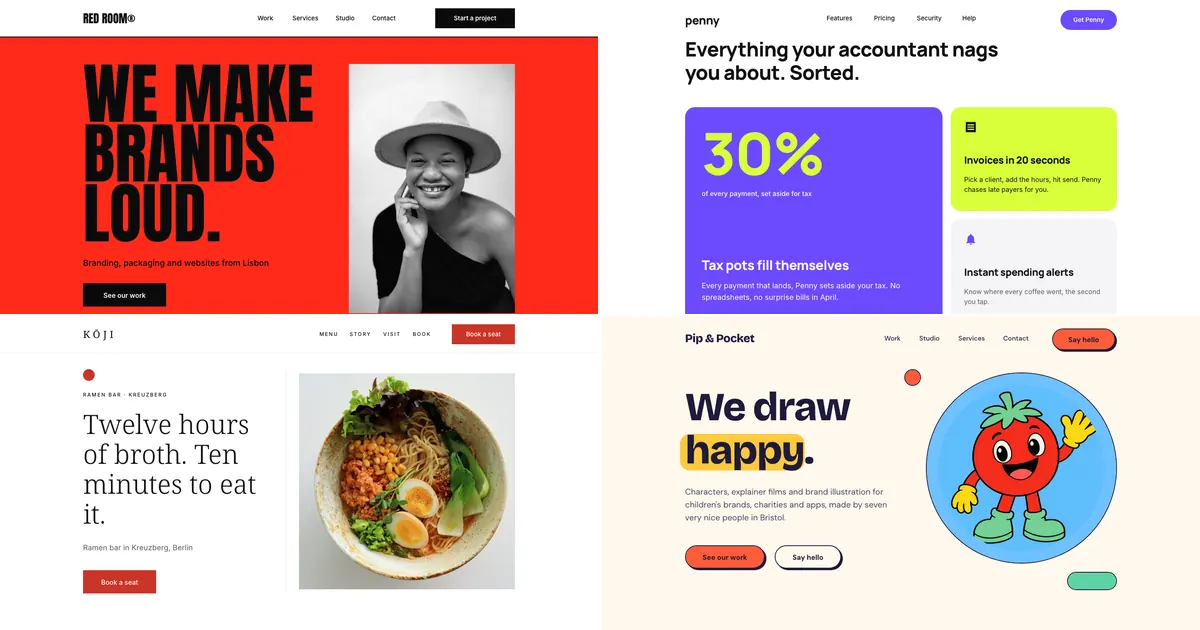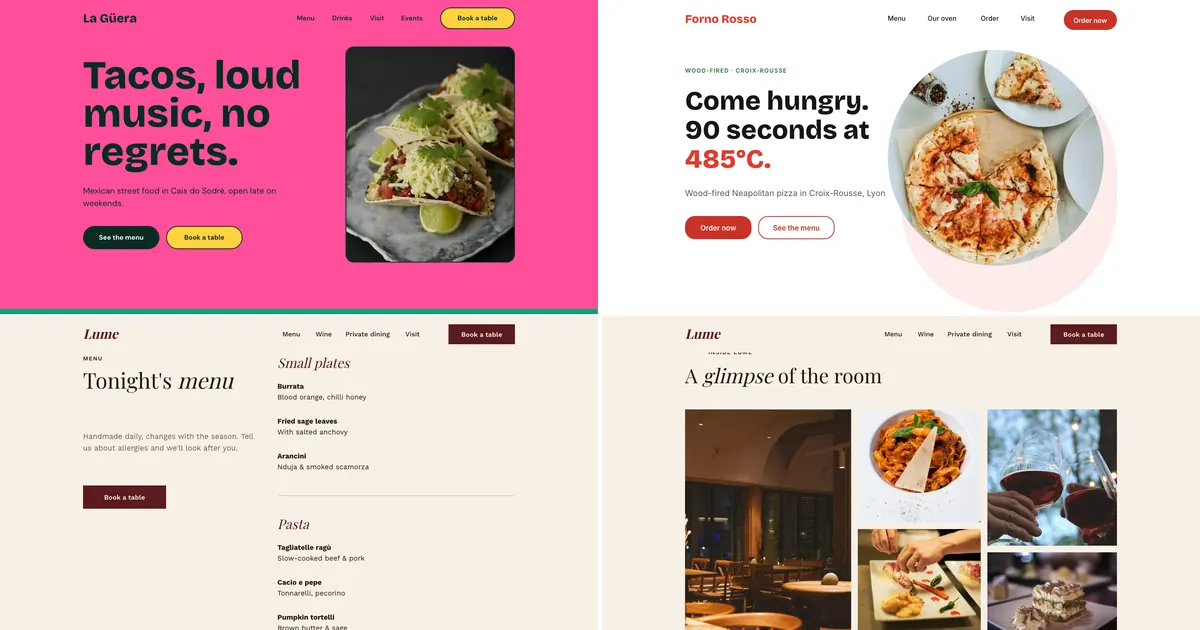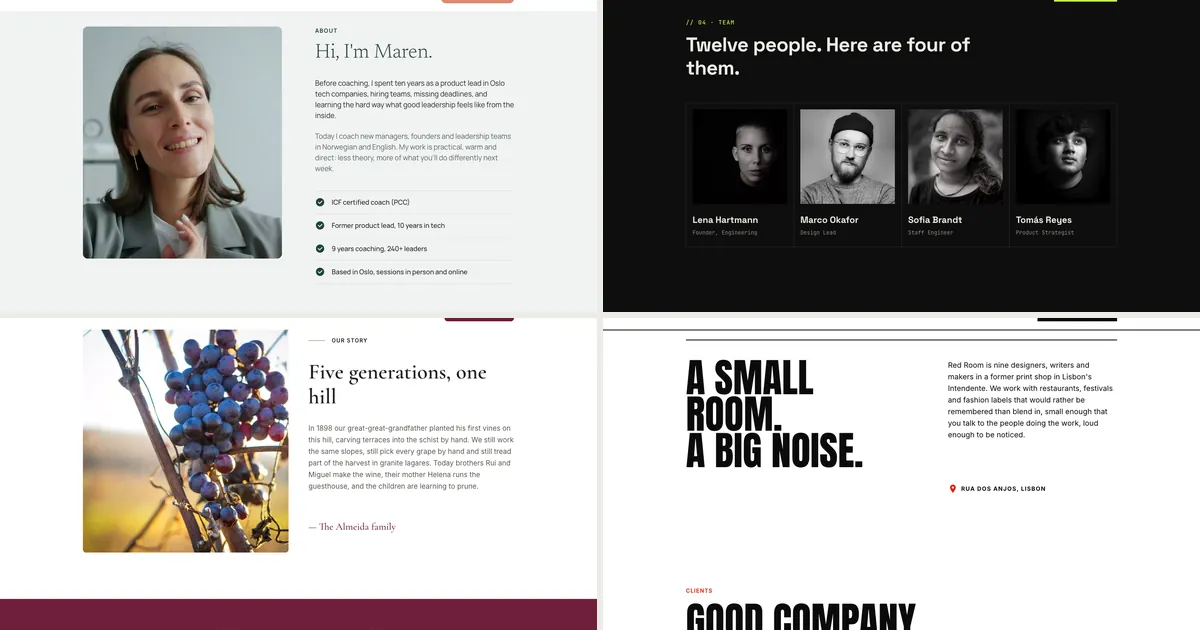

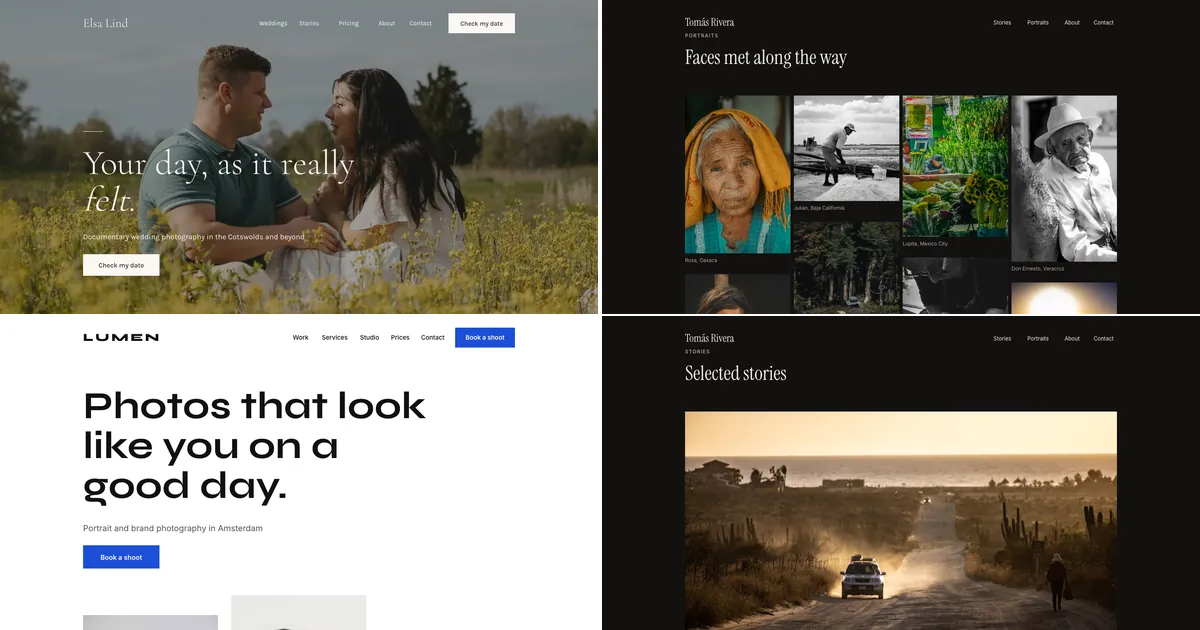
To make a photography portfolio, decide who it is for, choose your 15 to 25 strongest images for each kind of work, group them into a few galleries or series, put them on your own website where the photos lead, add an About page and an enquiry form that asks the right questions, and check it on a phone before you share it. The hardest part is not the website. It is deciding which photographs to leave out.
Here is each step, in the order that saves you the most time.
1 Decide who the portfolio is for
A portfolio is not an archive of everything you have shot. It is an argument for one kind of job. A couple choosing a wedding photographer, an art director booking a product shoot and a magazine editor commissioning a story are looking for different things, and a portfolio that tries to please all three convinces none of them.
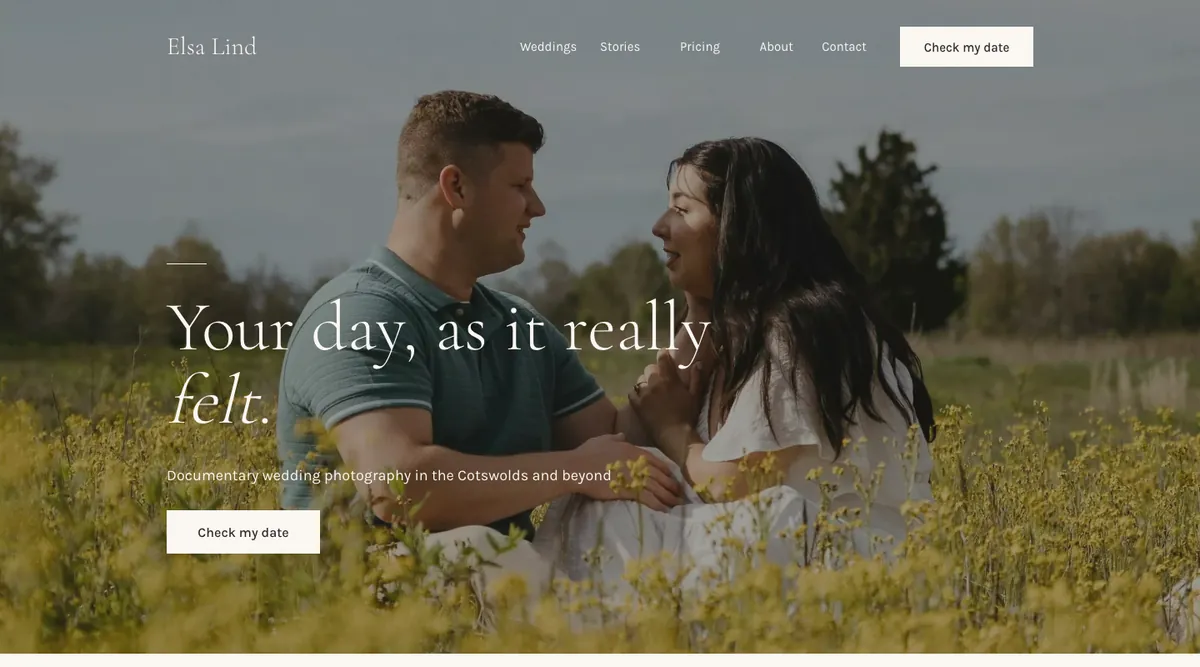
Write one line that finishes the sentence “I photograph…” and put it on your first screen. It should name the work and, if you work locally, the place: “Portrait and brand photography in Amsterdam” tells a visitor in two seconds whether they are in the right place.
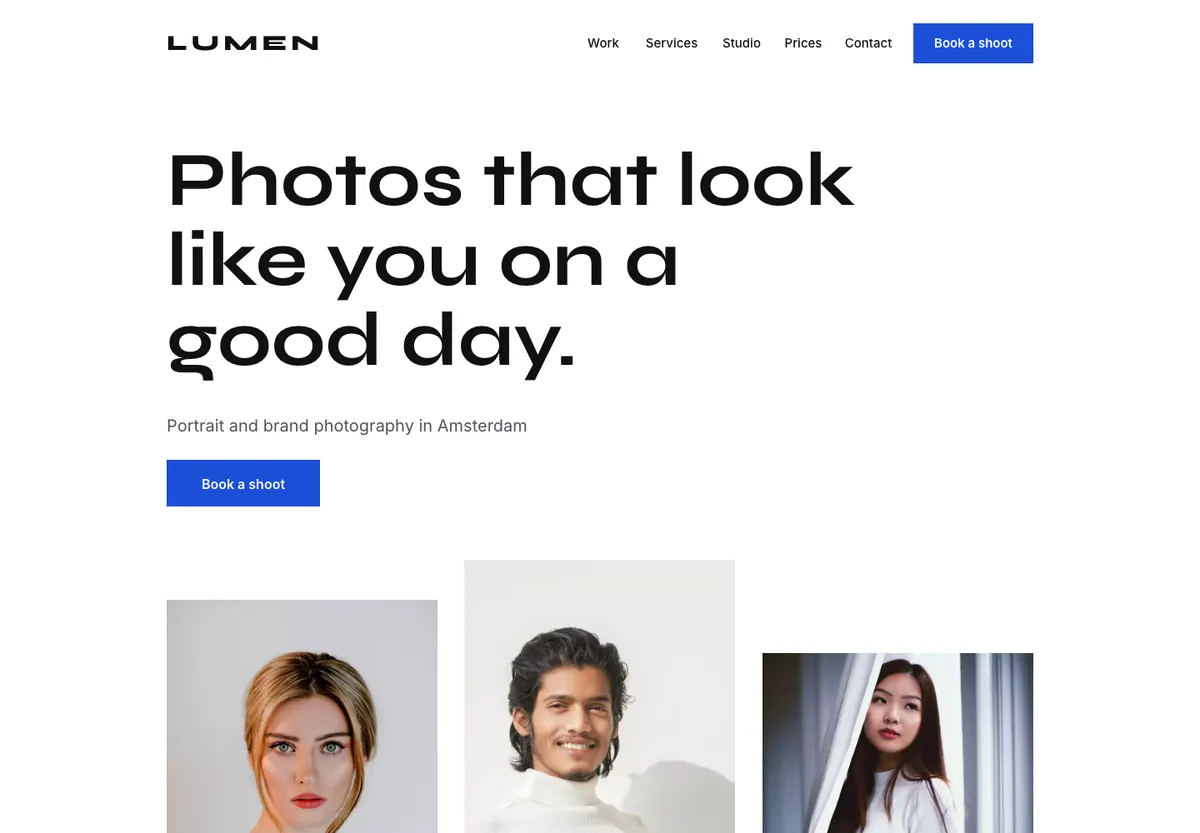
If you shoot two unrelated kinds of work, such as weddings and architecture, consider two separate portfolios rather than one confused one.
2 Edit down to your best work
This is the step everyone rushes, and the one that matters most. People judge a portfolio by its weakest image, not its strongest, so every average photo you include pulls the others down.
- Start wide. Pull every image you might use into one folder.
- Cut hard. Aim for 15 to 25 images per gallery. If you hesitate over a photo, it goes.
- Remove near-duplicates. Two frames from the same moment become one.
- Show what you want to be hired for. If you want more editorial work, lead with editorial work, even if most of your income today is something else.
- Ask someone else. A photographer whose work you respect will cut things you are too close to see.
3 Group the work into galleries or series
Once you have your strongest images, give them a structure. There are two common ways:
- By kind of work: Weddings, Portraits, Commercial. Best when clients book you for a service.
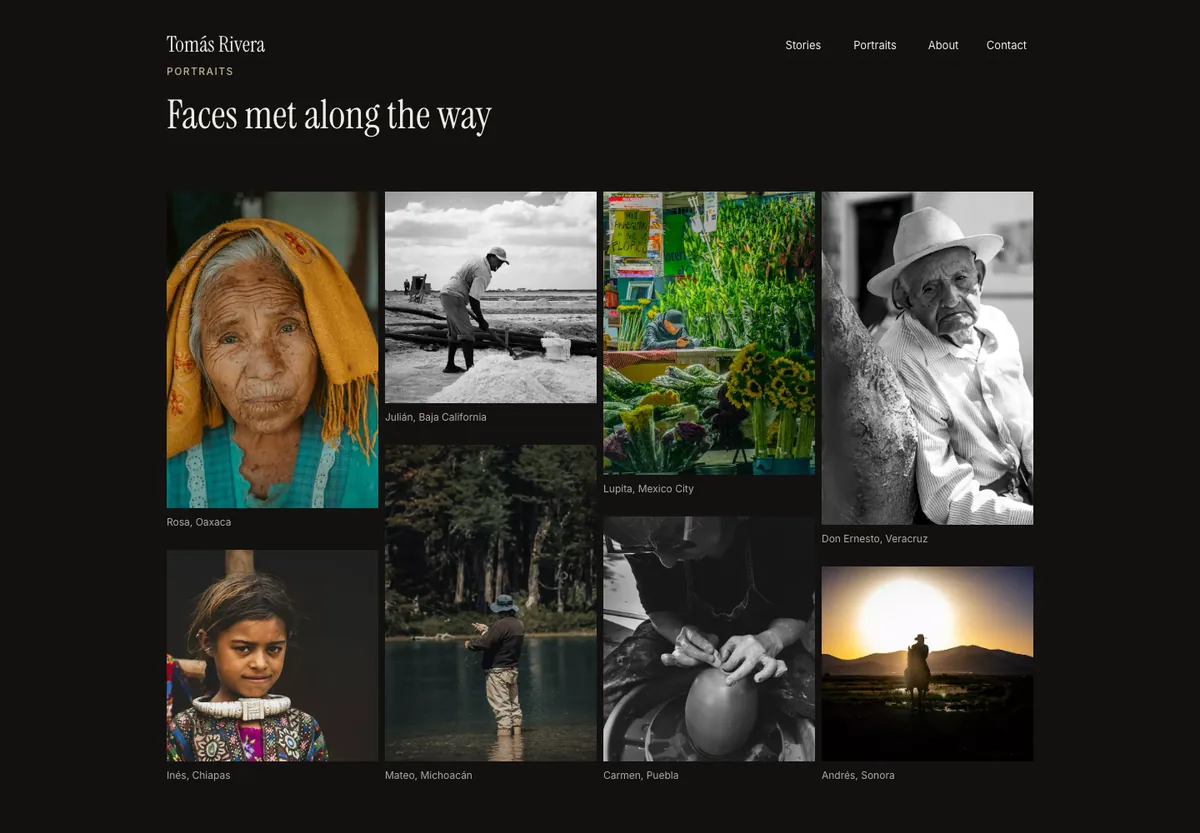
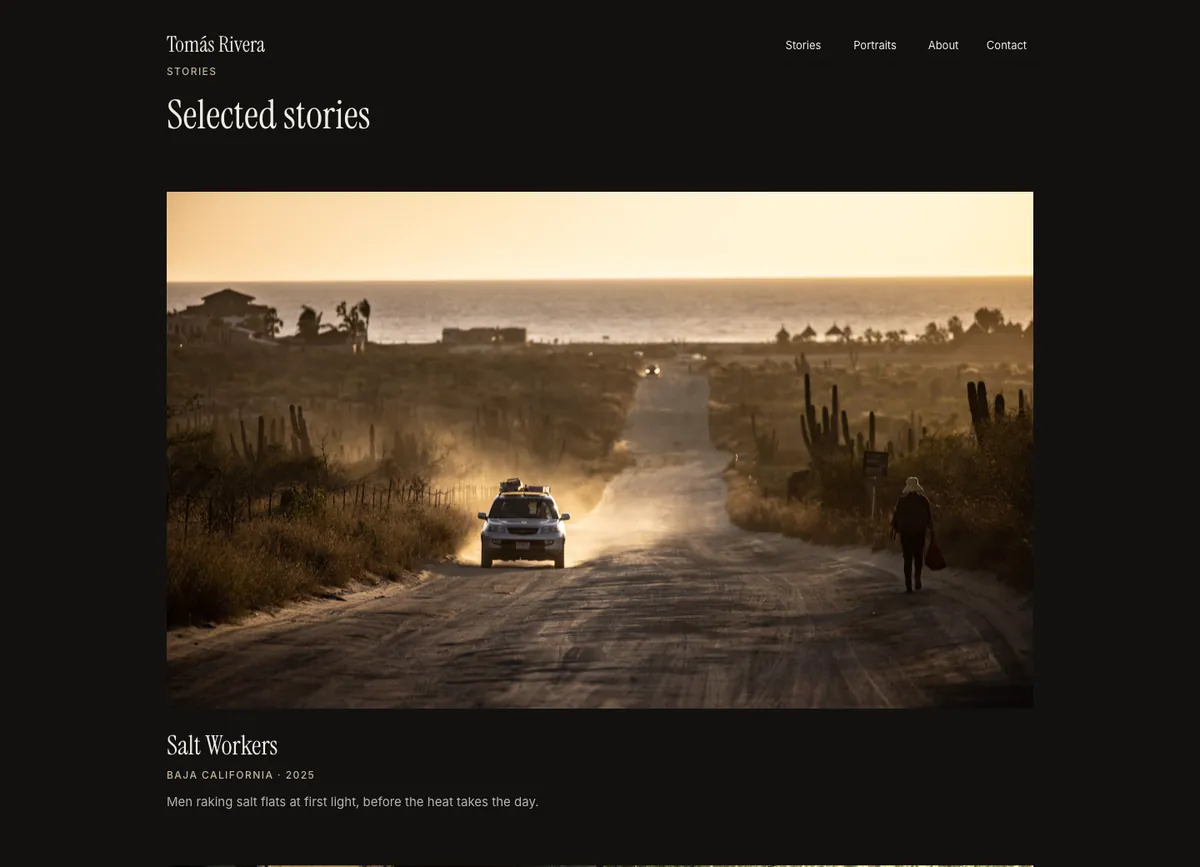
- By series or story: one gallery per project, with a title and a line of context. Best for documentary, editorial and fine art work, where the story is part of what you sell.
Keep the number of galleries small, three to six is plenty, and order each one with care. Open with the image that stops people, end on one they will remember, and place photos in pairs that work together side by side.
4 Choose where the portfolio lives
Social media is good for being discovered, but it is a poor portfolio. You do not control the order, the crop or what appears next to your work, and you cannot send a client a link that shows only your best wedding story.
A website of your own fixes all of that. You have three main options:
- A website builder. You choose a design, upload your galleries and publish, with hosting included. The best fit for most photographers.
- A portfolio site from your photo software or a photo community. Quick if you already use one, but usually with fewer layout choices and an address on someone else’s domain.
- A designer. The best result if the website is a big part of how you win work, and worth building on a tool you can update yourself.
Whatever you choose, publish on your own domain, such as yourname.com. It looks professional on an email signature and it stays yours if you ever move platforms.
5 Let the photos lead the design
A portfolio’s design has one job: to get out of the way of the photographs.
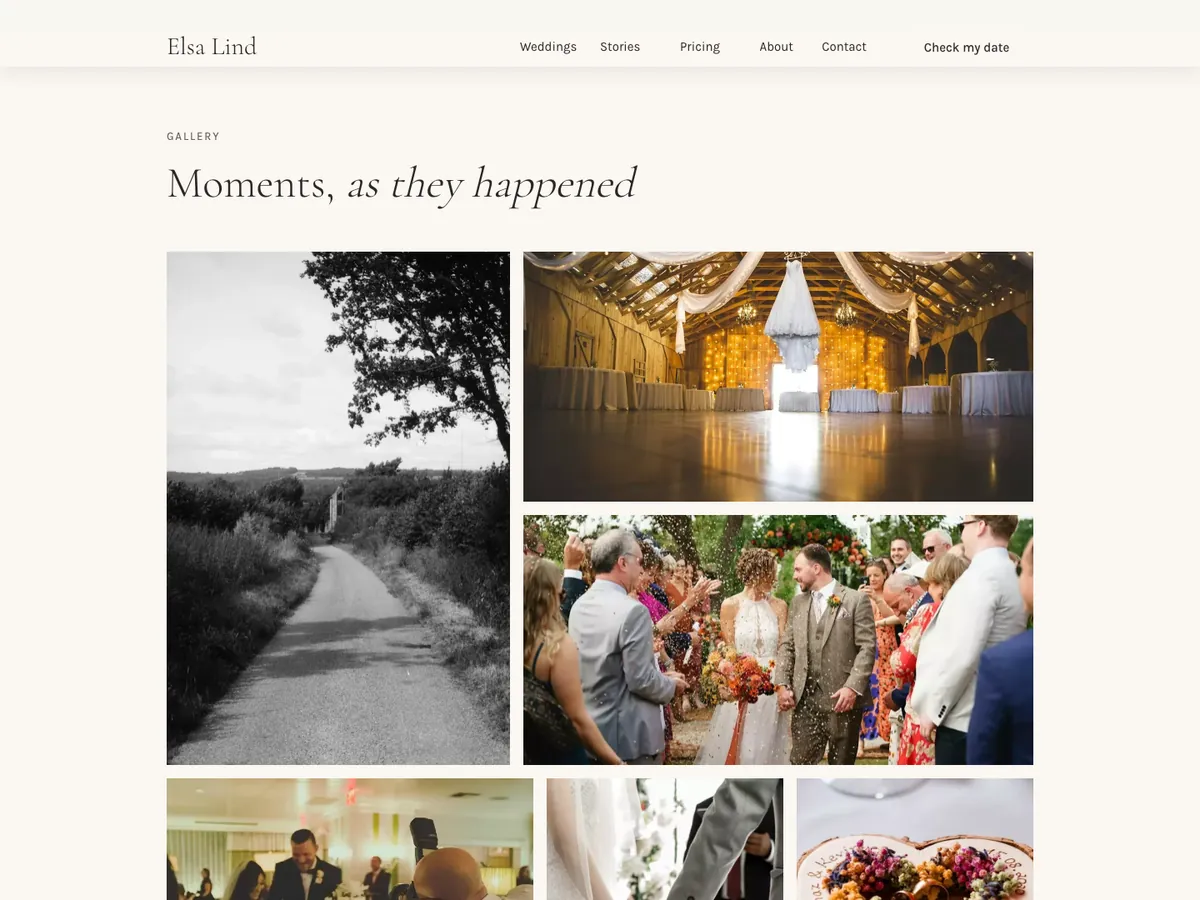
- Quiet backgrounds. White, off-white or near-black. Colored backgrounds tint how people see your colors.
- Large images. Let photos run wide, and let a strong landscape image take the full width.
- Mix sizes on purpose. A grid where everything is the same size reads like a contact sheet. Vary sizes to set a rhythm and give your best frames more room.
- Little text. A title and one line per gallery or story is enough.
- No clutter. Skip music, page-turn effects and pop-ups. They get between the visitor and the work.
6 Add an About page and make it easy to hire you
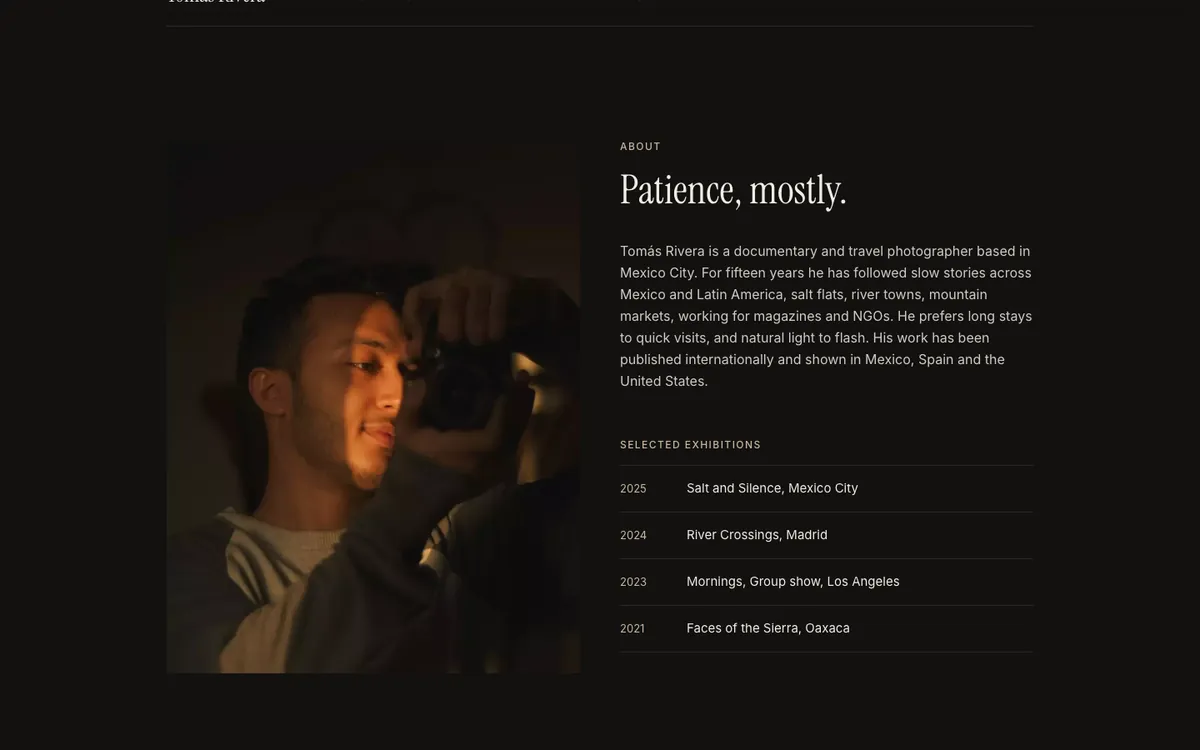
People hire a person, not only a portfolio. A short About page with a photo of you, a few lines on how you work and, if you have them, the clients, publications or exhibitions you can name, does more than another gallery.
Then give every page a clear way to get in touch. A contact form works better than a bare email address, because you can ask the questions you would otherwise ask in the first reply:
- For weddings: the date, the venue and the names.
- For commercial work: the brand, what the photos are for and when they are needed.
- For licensing and prints: which image, where it will be used and for how long.
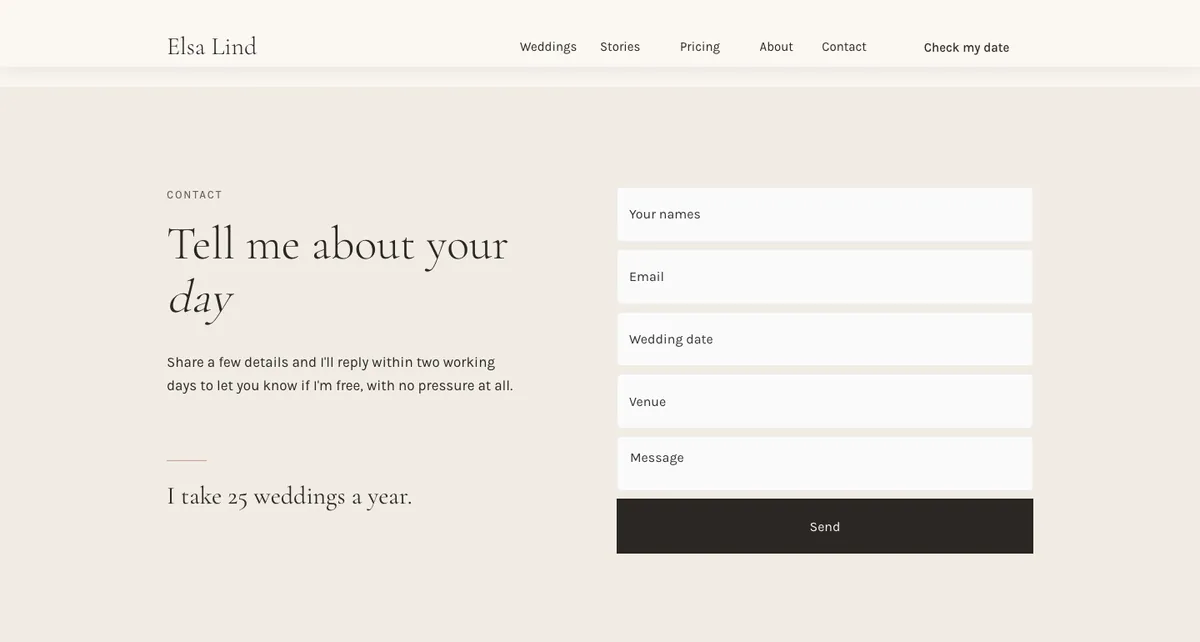
Say how quickly you reply, and if you publish your prices or a starting price, put them where people can find them. It filters out enquiries that would never have booked.
7 Prepare your images for the web
The files you deliver to clients are not the files your portfolio needs.
- Export at display size. A long edge of about 2,000 to 2,500 pixels is plenty for a full-width image on most screens. Larger files mostly make pages slower.
- Use sRGB. Other color profiles can look dull or shifted in some browsers.
- Compress with care. Check skin tones and skies after export; that is where compression shows.
- Name files and describe them. “salt-workers-baja-california.jpg” and a one-line description help search engines and people using screen readers.
- Go easy on watermarks. A large watermark spoils the image for the clients you want. A small credit, or none, is the norm for portfolios.
8 Check it on a phone, then share it
Many clients will first see your portfolio on a phone, often from a link someone sent them.
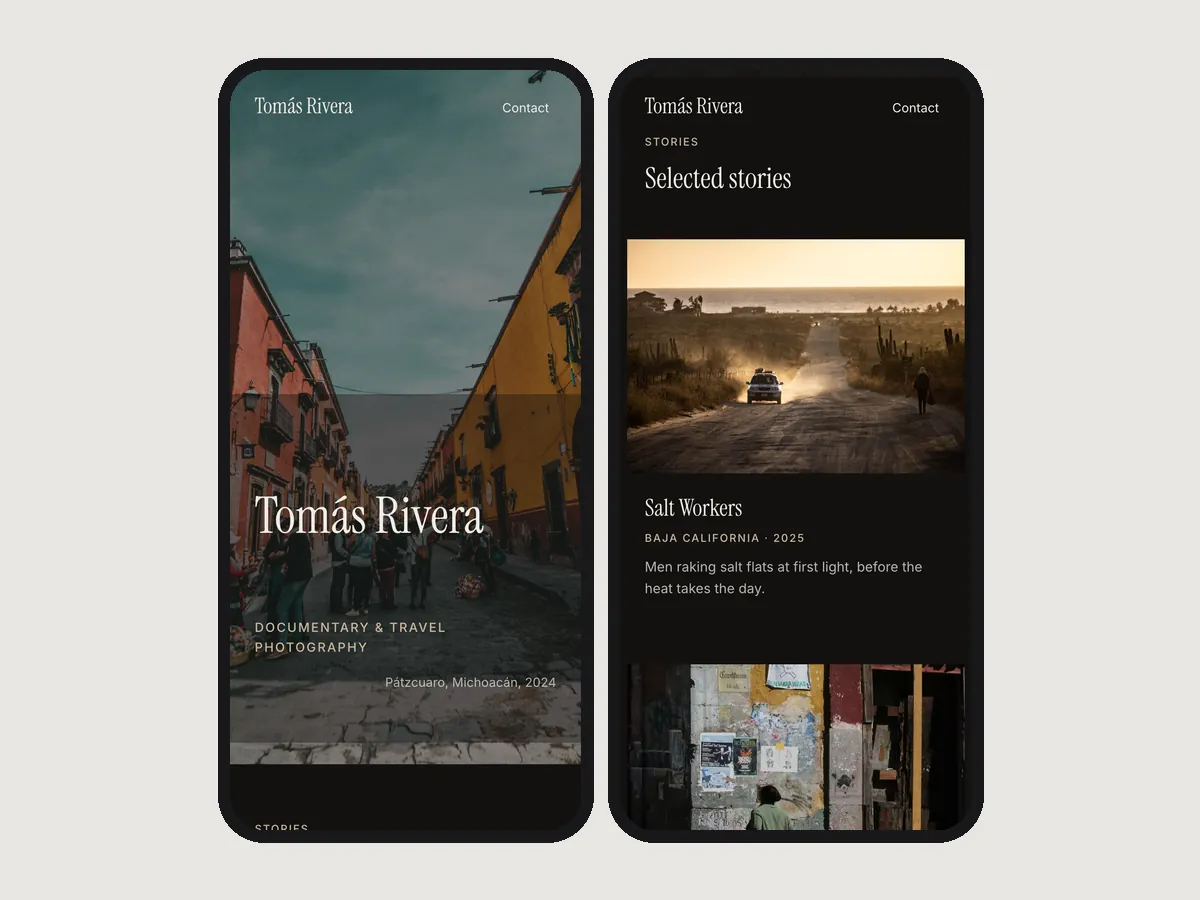
Open every gallery on your own phone and check that images fill the screen without awkward crops, captions stay readable, and the contact form is easy to fill in with a thumb. A responsive layout does most of the work, but only a real phone tells you how it feels.
Before you share it, give each page a clear title, such as “Wedding photographer in the Cotswolds, Elsa Lind”, and a short description, since that is what search results show. The basics of website SEO take an hour, and a complete Google Business Profile matters as much if you work locally.
Then update it. Add your best new work after every season, and take something out each time you put something in.
Building it in Siter.io
If you want to build your portfolio without code, Siter.io is a website builder for photographers where you lay each gallery out on a free canvas, the way you would sequence a print. Photos live in folders, the image editor crops, rotates and adjusts a photo while keeping the original, and the phone layout is your own, so each photograph can run edge to edge on a small screen. Enquiries come in through a form, print buttons can point at your own print lab, and the site publishes on your own domain. To start from a finished design, browse the portfolio templates.