A coming soon page with a waitlist and a countdown
Start from the Nook template or a blank canvas, add a waitlist form and a countdown to launch day, and publish on your own domain. Every sign-up lands in your inbox and in Form Entries.
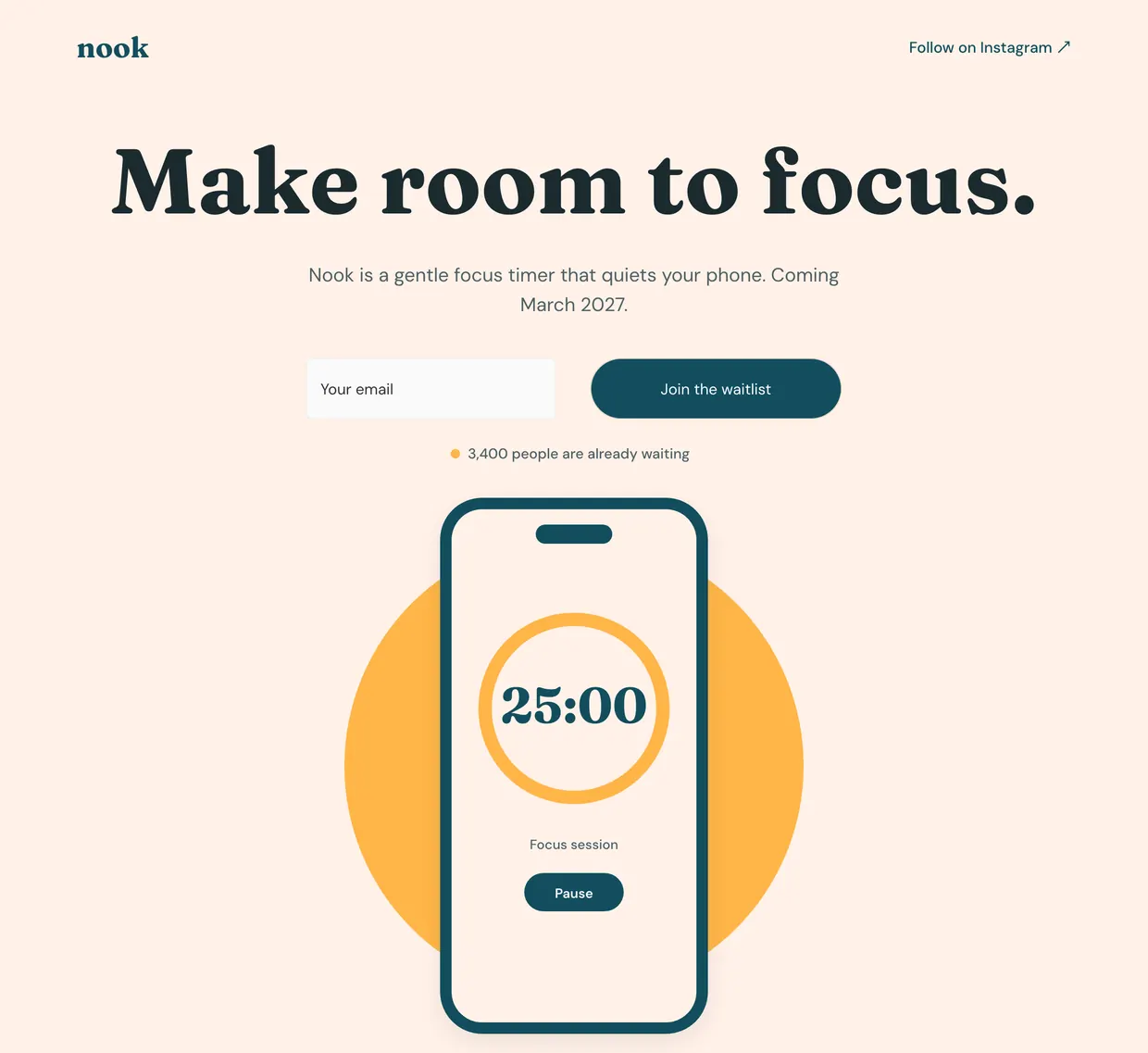
Everything a launch page needs.
-
A countdown to launch day
Add a Countdown, set the date, time and time zone, and choose what it shows when the time is up.
-
Every sign-up, kept
Each address is emailed to you and saved in Form Entries, where you can search the list or export it as a CSV.
-
On your own domain
Point your domain at the page and HTTPS is issued for you and renewed, with nothing to install.
One field, one button, one panel.
Select the waitlist form and its settings open beside it: the layout, the field, who hears about each sign-up, and where people go next.
Form Type
Horizontal puts the email field and the button in one row, as Nook does, in the Classic, New Style or Underline design.
Form Elements
One Email field and the button, renamed to Join the waitlist. Add a Name field if you want one.
Recipient Email
Each sign-up is emailed to your website's collaborators and to every address you add here.
Success action
Send people to a thank-you page or any URL once they join.
What a good coming soon page has.
-
One line about the product
Say what it is and who it is for. Nook does it in one sentence: a gentle focus timer that quiets your phone.
-
A date or a countdown
Name the month, like Nook's March 2027, or add a Countdown that ticks down to the hour.
-
One way to sign up
A single email field and a button, high on the page, so joining takes a second.
-
Links to follow along
Point people to where you post updates. Nook links to Instagram from its header.
Live in three steps.
-
Start from Nook
Pick the Nook template in the editor, or a blank page, and make the words and colors yours.
-
Set the date and the list
Add a Countdown to launch day, then choose who gets an email for each sign-up.
-
Publish and test it
Publish the page, connect your domain, and send yourself a sign-up to see it arrive.
Start from a real launch page.
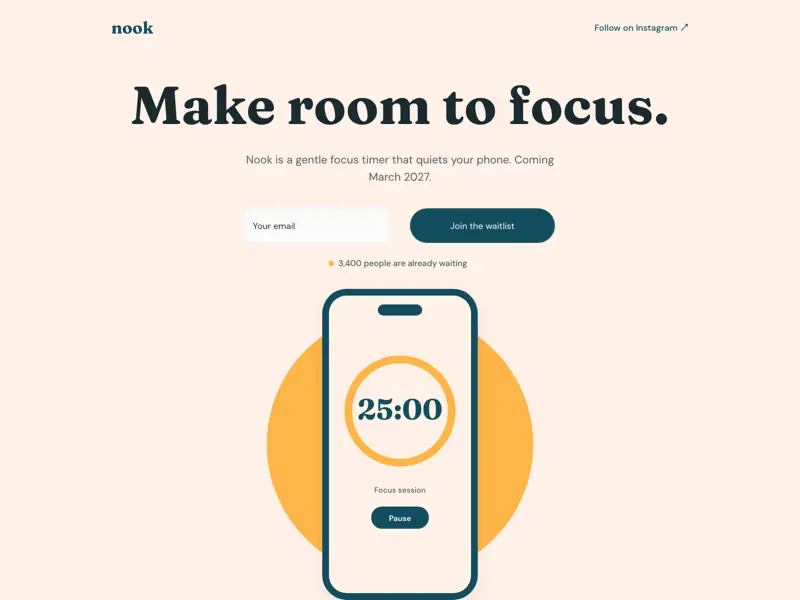
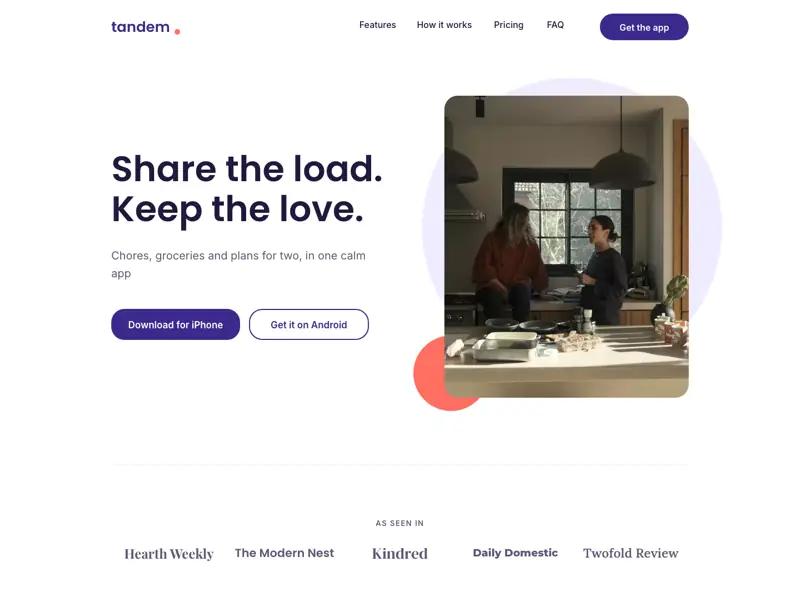
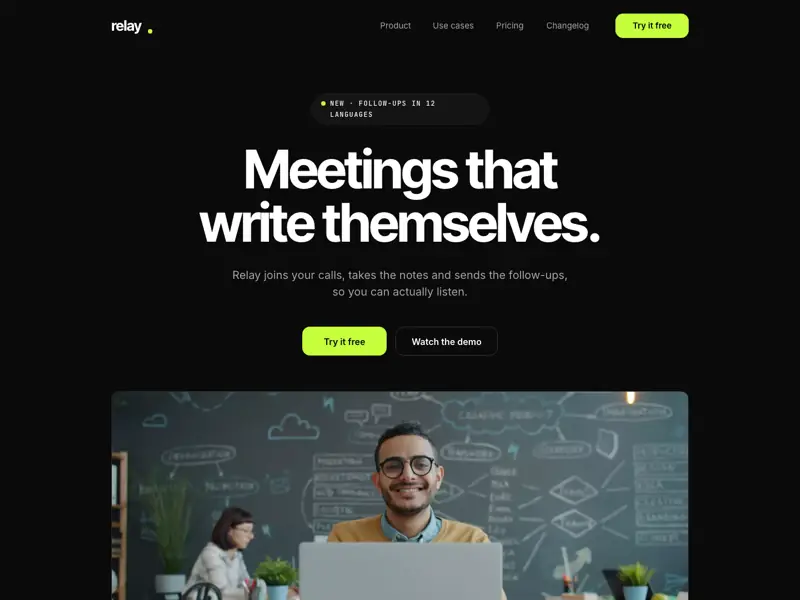
Nook is a published coming soon page with its waitlist form in place. The others are full pages for an app or a product on launch day. Each has its own desktop, tablet and phone layouts.
Frequently asked.
How do I make a coming soon page?
Start from the Nook template or a blank page, write one line about what is coming, and add a Form with an Email field for the waitlist. A Countdown to launch day is one more element from the toolbar. Then publish.
How do I use the Nook template?
Sign up, add a website or a page and choose “Build it myself”. Under “Choose template”, click “Select Template” and pick Nook, or press Use this template under Nook in the templates above. Your page starts as Nook, ready to edit on the canvas.
Where do waitlist sign-ups go?
To email and to Form Entries. Each sign-up is emailed to your website’s collaborators and to any address you add in the form’s settings, and kept in Form Entries, where you can search the list and export it as a CSV.
Can I email the whole waitlist when I launch?
Siter.io collects the list; it does not send newsletters. Export the sign-ups as a CSV from Form Entries and import them into the email tool you already use.
What happens when the countdown reaches zero?
You choose in When it ends: it stays at 00, shows a text of your own such as “We’re live”, or disappears. The rest of the page stays as it is until you edit it and publish again.
Can my coming soon page use my own domain?
Yes, on paid plans, at no extra cost. HTTPS is included on your custom domain, issued automatically. Each plan also has its own form and submission limits, so check them before you open the list. How to connect a domain, or see the plans.
More of what the editor does
- Custom domains Point a domain you own at the site, with HTTPS issued automatically, in every paid plan at no extra cost.
- Hosting and SSL No separate host to buy, no certificate to renew. It is part of the plan.
- HTML download Take a copy of a page and host it elsewhere. On Pro, and honest about the limits.
- Forms Design a form on the canvas and get the answers in your inbox.
- Custom fonts Upload the font files the design was made with, on every plan including free.
- Responsive design A layout for each breakpoint, custom widths included, laid out by you rather than guessed by the tool.
- SEO settings Per-page title, description and slug, plus custom meta tags in the head.
- Teams and roles Admin and Member roles on paid plans, with editor seats included and counted per website.
- Website analytics See visitors and top pages for every published site, plus sources, countries and devices on paid plans, with no cookies and no personal data.
- Animations Appear, loop and scroll motion, sticky headers, hover states and custom keyframes, set per element and previewed on the canvas.
- File hosting Upload PDFs, documents, audio and video and link to them from any button, image or line of text.
- Version history Restore any page from the last 30 days, and bring back deleted pages and websites within 14.
- Visual editor A free-form canvas with layers, auto layout, components and hover states, closer to a design tool than a block builder.
- Popups Open a popup from any button with Open overlay, or link it to a page, a section, a file, an email or a phone call.
- Countdown A live countdown to a sale, a launch or an event, and numbers that count up as visitors scroll to them.
- Tabs and marquee Tabs or a Monthly and Yearly toggle that switch parts of the page, and a strip of words or logos that runs without end.
- Apps Describe a calculator, quiz or booking request and Siter AI builds it on your page.
- Calculators A price, loan or ROI calculator or a product configurator, built from a description.
- Quiz A few questions and a result that points visitors to the right choice.
- Before and after Two photos of the same thing and a handle that reveals the change.
- Booking form Visitors pick a service, a day and a time, and the request reaches you in Form entries and email.
- Product configurator Visitors pick options, watch the price change and send their choice, built from a description.
- AI landing pages Describe a landing page and Siter AI designs it on a canvas you then edit, with a version saved before each change.
- Feedback form Visitors rate with stars, pick what they liked and add a comment, and it reaches Form entries and email.
- RSVP Guests say yes or no and how many, and every reply reaches Form entries and your email.
- Poll One question, a few answers, and live totals that every visitor sees, on a Pro website.
- Custom code Head code for the whole website or one page, and a Code element for embeds on the canvas.
- Images An image library for each website with folders and Unsplash search, plus an editor that crops, rotates and adjusts.
- Integrations Zapier for form responses, reCAPTCHA, Google Analytics, Facebook Pixel, video, fonts, Figma and any embed snippet.
- Event registration Attendees pick their days and sessions, and every registration reaches Form entries and your email.

Open the waitlist
before the product.
Start from Nook, add the form and the countdown, and publish the page while you build the rest.